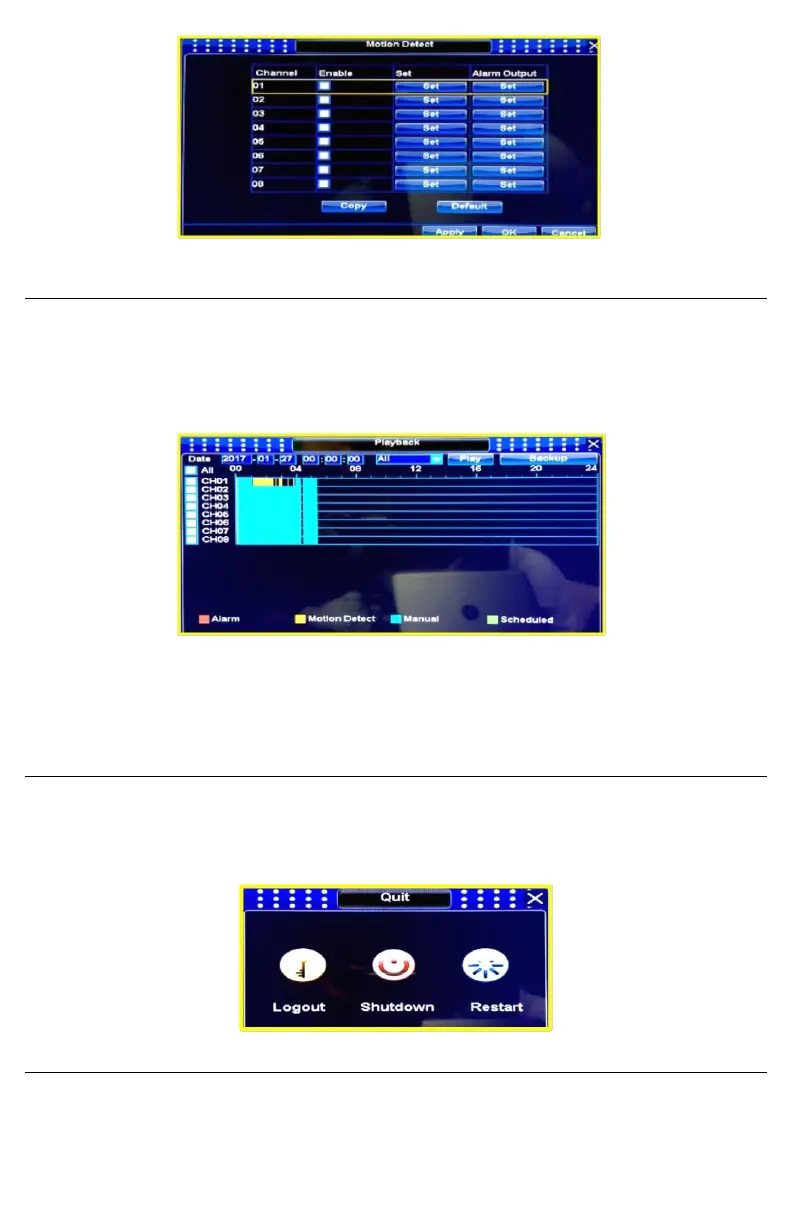
Playback
▪ You can access to Playback doing right click on main screen and selecting Playback icon,
you can also click the Playback icon that is located at the popup menu that appears when
you place the mouse at the main screen bottom.
▪ Once inside Playback menu, you can select channel you want to play recorded videos, you
can also play multiple channels at same time.
▪ At the play menu, you have all the playback options like snap, sound, fast and slowed
forward and back play, (from 1/16X up to 16X speed).
▪ At playback menu, you can also backup DVR recorded videos to USB storage devices
Power Off
To power off the DVR you must click the Quit icon that is located at the popup menu that appears
when you place the mouse at the main screen bottom, then click Shutdown. You can also use Quit
menu to User Logout or Restart the device.
Factory Reset
If you want to reset the DVR to its original factory settings, you must access MAIN MENU /
MAINTENANCE / and click Reset Factory button


 To Next Page