D-8
SERVICE & MAINTENANCE
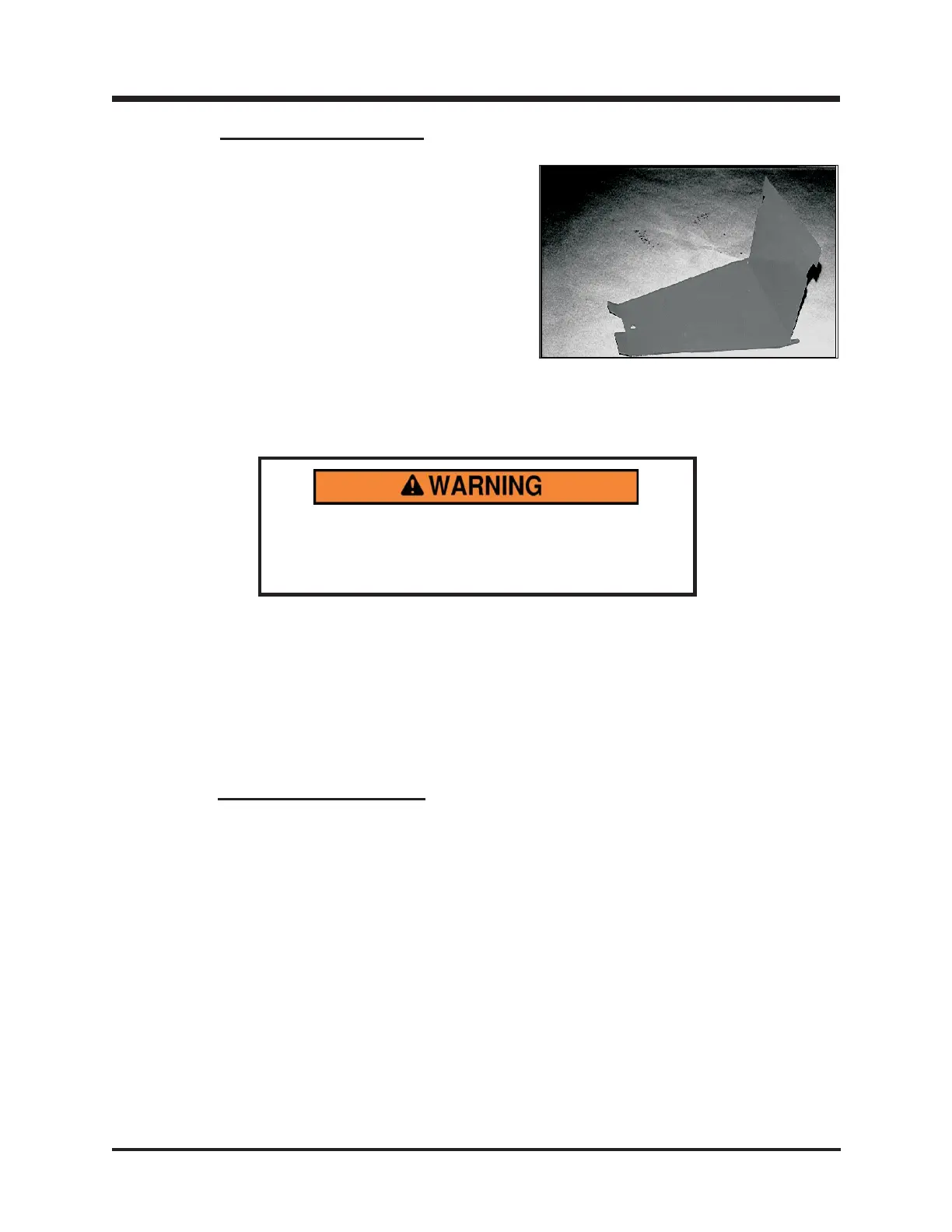
PLATFORM COVER
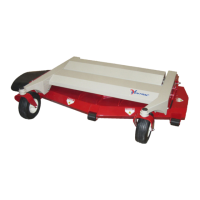
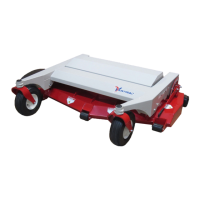
(Figure 51)
To Remove:
1. Remove bolt at the front of the cover.
2. Pull the cover forward enough to disengage
the 2 tabs at the lower rear end of the cover.
3. Lift rear part of cover to free the top 2 tabs
from the chassis.
4. Continue to raise the rear part of the cover
until it can be freely removed from the
platform.
To install, repeat the above procedures in reverse.
PTO BELT CHANGE
(Engine to Idler)
Steps:
1. Remove belt from lower PTO idler pulley.
2. Remove belt.
3. Replace with new belt (Size B38) by reversing
the procedure.
Figure 51
Before making any repairs or adjustments, lower
attachment to the ground, set parking brake, shut
the engine off, and remove the key.


 To Next Page