EasyManua.ls Logo

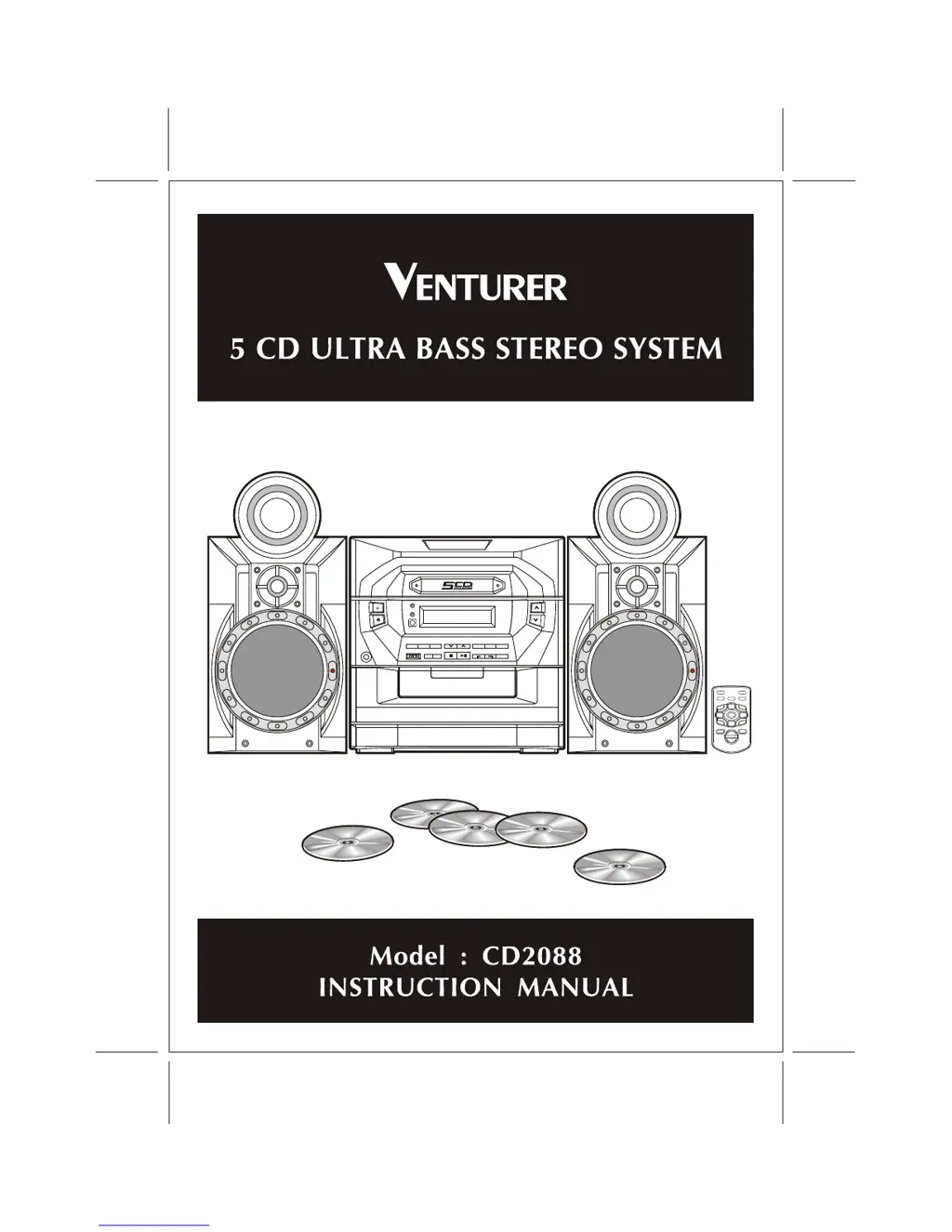
Venturer CD2088 - User Manual

Venturer CD2088
19 pages
Print Icon
To Next Page IconTo Next Page
Loading...

Questions and Answers

  • L
    Leah JimenezAug 16, 2025
    What to do if my Venturer Stereo System has no sound?
    • D
      dmahoneyAug 16, 2025
      If your Venturer Stereo System has no sound, first, ensure the volume is turned up by pressing the VOLUME UP button. Also, check if headphones are connected and disconnect them. If the issue persists, try resetting the unit by pressing the Power/Standby switch. Finally, if the unit suddenly turned off during play, the TIMER OFF function may be activated. Press the STOP button until the 'TIMER OFF' indicator disappears from the display.
  • H
    Heather WoodsAug 19, 2025
    Why does my Venturer Stereo System have distorted playback or sound loss during CD playback?
    • K
      kimberlyschultzAug 19, 2025
      Distorted playback or sound loss during CD playback on your Venturer Stereo System can be due to moisture condensation or a dirty/scratched CD disc.
  • B
    Brendan VincentAug 22, 2025
    What to do if play does not start on Venturer Stereo System?
    • D
      dustin57Aug 22, 2025
      If play does not start on your Venturer Stereo System, make sure the discs are placed correctly and are not dirty. Ensure the disc is inserted right-side up and that the player is not in pause mode.
  • R
    rossjohnAug 26, 2025
    How to fix severe hum or noise in Venturer Stereo System?
    • R
      Ronald DominguezAug 26, 2025
      If you are experiencing severe hum or noise with your Venturer Stereo System, it might be too close to your TV or VCR. Try separating the stereo system from these devices.
  • S
    Sara GrayAug 28, 2025
    What to do if CD door does not close on Venturer Stereo System?
    • M
      mooreandreaAug 28, 2025
      If the CD door on your Venturer Stereo System does not close, press the FUNCTION button to select CD mode, then press the DISC SKIP button. This should close the door.
  • D
    dylan15Aug 31, 2025
    Why is the FM STEREO indicator flashing and there is severe hum or noise on my Venturer Stereo System?
    • J
      Jennifer RayAug 31, 2025
      If the FM STEREO indicator is flashing and there's severe hum or noise on your Venturer Stereo System, try adjusting the antenna wire.
  • J
    James GomezSep 3, 2025
    What to do if the stereo FM program cannot be received in stereo on Venturer Stereo System?
    • M
      Michael HudsonSep 3, 2025
      If you cannot receive a stereo FM program on your Venturer Stereo System, set the MODE switch to FM MONO. The FM STEREO light will then turn off.
  • M
    Megan BallSep 6, 2025
    What causes lack of bass sound on Venturer Stereo System?
    • R
      Rose PattonSep 6, 2025
      A lack of bass sound or imprecise location of musical instruments on your Venturer Stereo System can be caused by the speakers being connected incorrectly. Check that the speakers are connected the correct way round.
  • S
    Sheila WilsonSep 9, 2025
    What to do if Venturer Stereo System has no sound from one channel?
    • K
      kaylahernandezSep 9, 2025
      If you're getting no sound from one channel or unbalanced left and right volume on your Venturer Stereo System, check the speaker connections of the channel that isn't working.
  • T
    Tina BaldwinSep 12, 2025
    How to correct reversed left and right sound on Venturer Stereo System?
    • S
      Sharon HuffmanSep 12, 2025
      To correct reversed left and right sound on your Venturer Stereo System, check the speaker cord connection and speaker location.

Summary

Safety and Warnings

Important Safety Instructions

Essential guidelines for safe operation and maintenance of the stereo system.

Precautions for Operation

Safe Placement and Environment

Guidance on unit placement and environmental factors for optimal performance.

System Connections

Speaker and Power Connections

Guide to connecting speaker wires and the power cord correctly.

Sound Adjustment Features

Volume Control

Method for adjusting the audio output volume.

Bass Enhancement (X-BASS)

How to utilize the X-BASS function for deeper bass.

Clock and Timer Settings

Compact Disc Playback Operations

Loading and Starting CD Playback

Guide to inserting discs and initiating playback.

Playback Controls (Play, Pause, Stop)

How to use the primary controls for managing CD playback.

Navigating within CD Tracks

Locating Tracks Sequentially

How to find the beginning of tracks or the previous/next track.

Repeat Playback Options

Repeating Single Tracks or Discs

How to set the unit to repeat the current track or the entire disc.

Programmed CD Playback

Creating a Playback Program

How to select and sequence tracks for custom playback order.

Remote Control Operations

Remote Control Button Identification

Overview of all buttons on the remote control and their functions.

Maintenance and Cleaning

CD Disc Care

How to clean CDs for optimal playback and prevent skipping.

Troubleshooting Common Issues

General Audio Problems

Solutions for issues like no sound, unbalanced volume, or noise.

Radio Reception Issues

Troubleshooting FM stereo indicators and reception quality problems.

CD Player Malfunctions

Steps to resolve problems with CD door operation, playback, and sound.

Venturer CD2088 Specifications

General IconGeneral
BrandVenturer
ModelCD2088
CategoryStereo System
LanguageEnglish