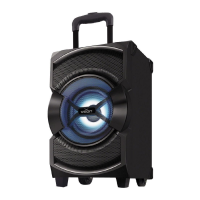
USB Inserting JACK
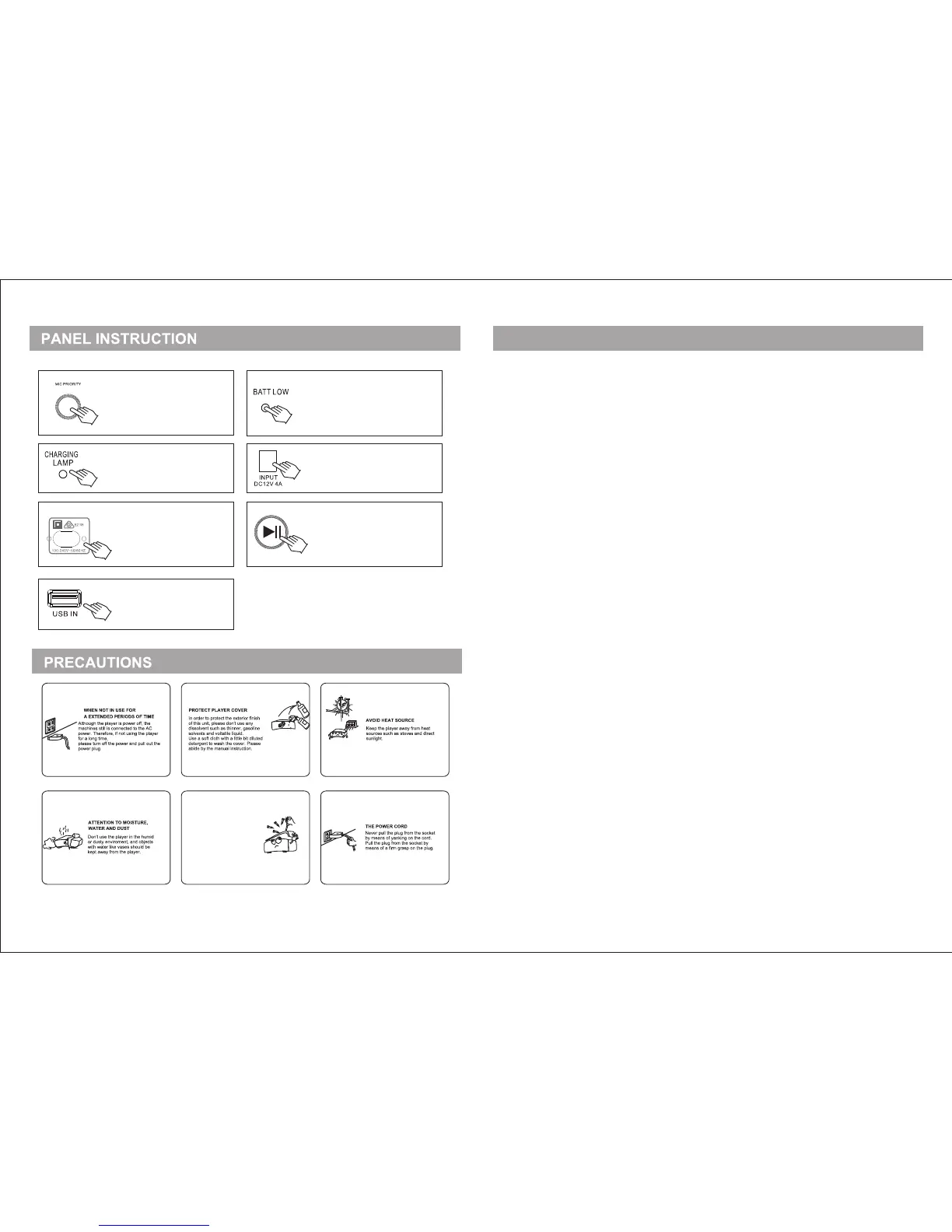
Microphone Priority: When
playing the music and using
the microphone at the same
time, pressing this button, the
Microphone will play priority
DC Input Jack: Connect to the DC
power supply source with
specication 12V 4A.
AC Input Jack: Connect
the power cable with the
specication 100V - 240V
connecting to external
AC supply.
Play/Pause Button
Tips: Under the FM function,
this button is used for
searching the FM station
automatically.
Battery Charging Indicator:
during the charging, the
indicator will show the Red Light,
when the charging nish, the
indicator will show the Green Light.
If you o pen the m ain cas e, you mi ght
get el ectri c shock .
Ther efore , don't t ry to ope n the mai n
case . If the pl ayer ca uses se rious
malf uncti ons, co ntact t he deal er or
qual ied ma inten ance wo rker.
DON' T OPEN TH E MACHI NE CASE
Power Indicator: if the battery is full,
this indicator will show "blue" light,
if the battery is not enough, it will
show "Red"
When this indicator show Red
Color, please charge this unit.
Getting Started
Power Source
This system can be powered in three different ways:
(a) By connection to the mains power supply with the supplied power cord.
(b) Via the rechargeable 12V 3Ah built-in battery.
(c) Via an external DC power supply(not included).
AC Mode(mains power supply)
Connect the power cable to the AC power input, then insert the plug into an appropriate wall outlet.
Set the POWER SOURCE to AC mode. The system is now in operating mode and will be powered by ~100V-240V, 50/60Hz.
DC Mode
If the equipment is connected to the mains power supply, disconnect the power cable.
Set the AC POWER SWITCH to ON.
NOTE: The external DC power supply must be DC 12V 4A
Internal 12V 3Ah battery power supply
If no external power supply is connected ,the system will automatically be powered by the built-in 12V 3Ah battery when
the power source is set to ON
AC Power Switch
Set to ON to use the equipment in AC mode, or to charge the built-in battery.
Set to OFF to close the equipment.
Set to Charging to use the equipment in charging battery mode only.
Charging the Battery
This Party Speaker is equipped with a built-in 12V 3Ah rechargeable battery .Before the first three times that you are going to use the
system, this battery should be charged for a minimum of 12 hours. To charge, proceed as follows:
Connect to External AC Supply.
Set the POWER SWITCH to Charging Status. The built-in battery will now be charged
from the main power supply. And the CHARGING LAMP will show RED Light.
After the battery full charged, the CHARGING LAMP will show GREEN Light.
Important Notes Concerning the Battery Function
When the battery is low, the BATT LOW will show the RED Light. It need to extend the
recharging time to 12 hours until the BATT LOW shows the Blue Light. Recharging for a
short time will reduce the battery life, damage the battery and cause the battery to never
be full charged, which will result in a short time of operation.
5 6


 To Next Page
 Loading...