EasyManua.ls Logo

Veon VN3291MS - User Manual

Veon VN3291MS
20 pages
Print Icon
To Next Page IconTo Next Page
Loading...
INSTRUCTION MANUAL
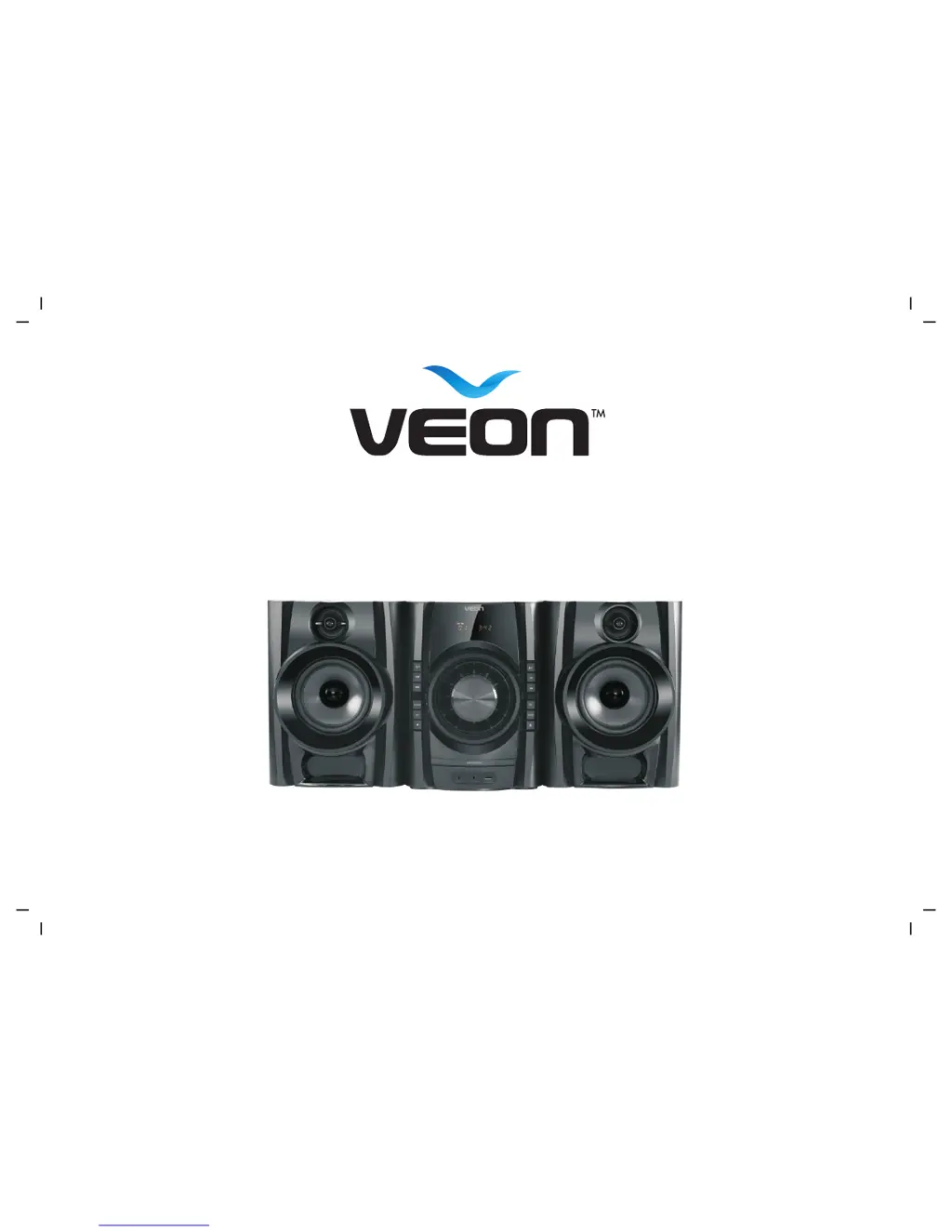
CD MINI SYSTEM
Model: VN3291MS

Questions and Answers

Summary

Important Safety Instructions

Symbols and Safeguards

Displays relevant symbols and outlines important safety precautions for using the apparatus.

Introduction

Product Overview

Remote Control Overview

Audio System Setup

Speaker Connection

Connects speakers to output terminals using attached cables for audio playback.

Basic Mini System Operation

General Operation

Explains basic functions like power, source selection, volume, mute, and EQ.

CD Operation

Details how to open/close the disc tray, play, pause, stop, skip, fast forward/rewind, and manage tracks.

USB Operation

Explains how to use the USB port for MP3 playback from devices like sticks and drives.

FM Tuner Operation

Covers manual and auto tuning, storing, and choosing FM radio stations.

LINE IN;AUX Operation

Describes connecting external audio devices via the 3.5mm LINE IN/AUX input.

Bluetooth Connection

Guides on pairing and connecting Bluetooth devices for wireless audio playback.

Troubleshooting

Product Specification

Guarantee Card

Veon VN3291MS Specifications

General IconGeneral
BrandVeon
ModelVN3291MS
CategoryCD Player
LanguageEnglish