-16-
BLUETOOTH CONNECTION
SOURCE
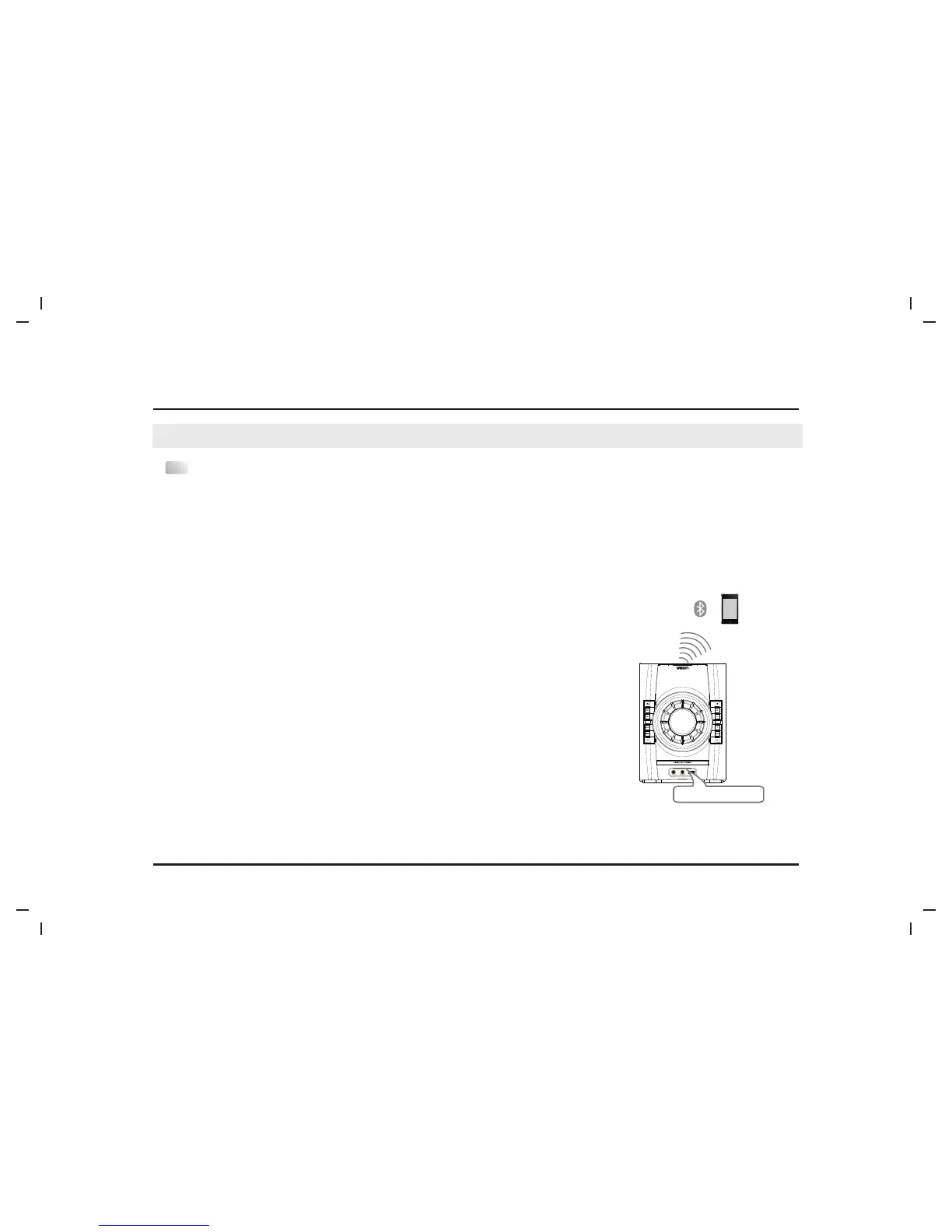
●Repeatedly press SOURCE button to switch to BLUE(BLUETOOTH)mode.
Bluetooth Pairing Name:Veon VN3291MS
IMPORTANT:To make a bluetooth connection you MUST have an ENABLED bluetooth device such as laptop, smart
phone or computer. Not all external device are bluetooth enabled. Please check your devices manual to ensure
your selected device is bluetooth enabled.
Bluetooth Pairing Mode:The LED display will display “NO BT”.
BASIC MINI SYSTEM OPERATION
Bluetooth
Model: Veon VN3291MS
To make a bluetooth Connection:
To make a blurtooth connection the VEON micro system must be in
pairing mode. Once in pairing mode, use your selected device to
search and select the bluetooth pairing name (Veon VN3291MS). If
your device requested a pass code place used '0000'. Once a
connection has been made the LED display 'BT'.
To disable a bluetooth connection:Hold down the PLAY/PAUSE button
for about 5 seconds.


 To Next Page