General Operation
BASIC MICRO SYSTEM OPERATION
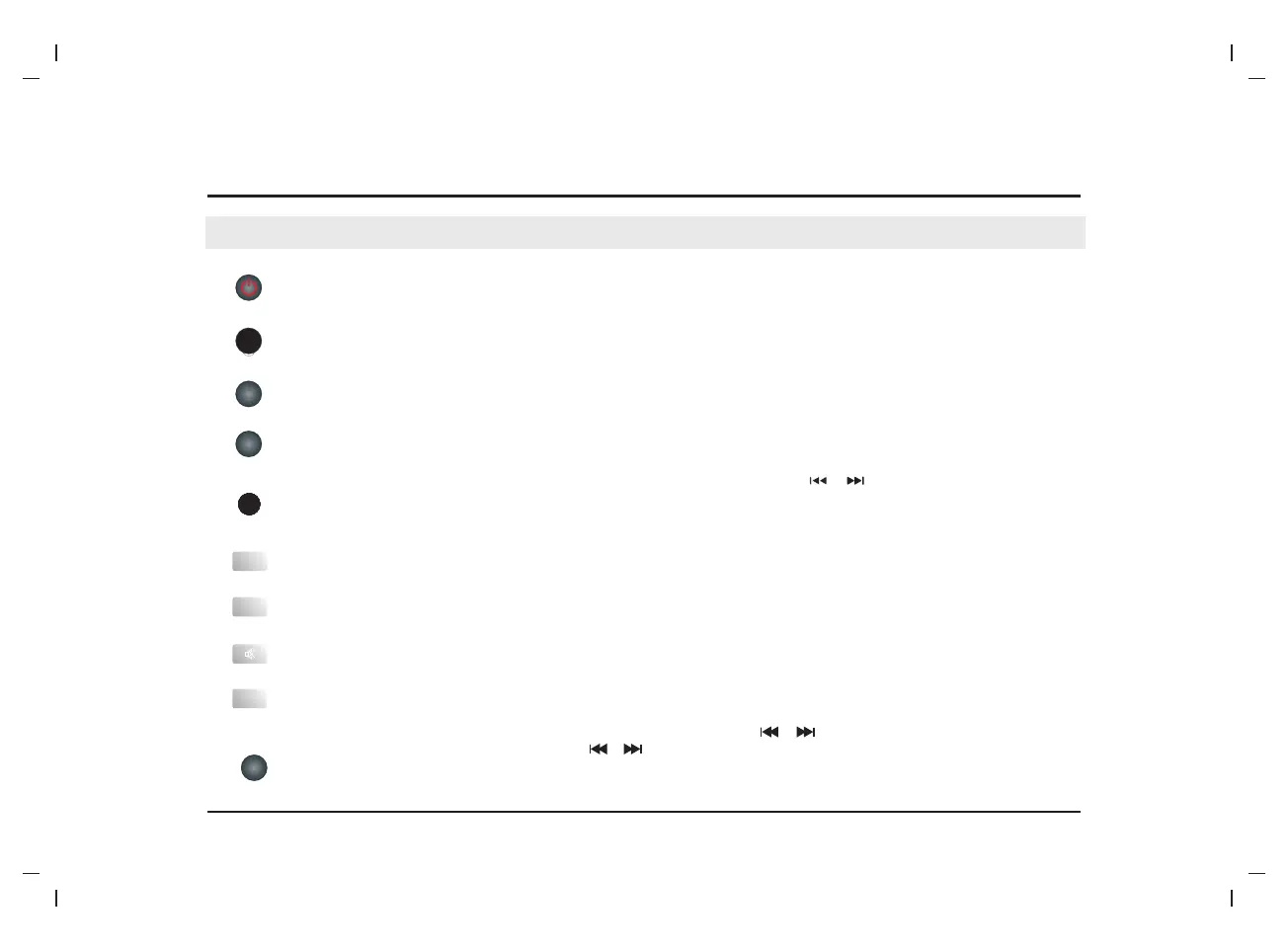
●Press repeatedly to switch among CD,LINE IN,BLUETOOTH,USB and FM TUNER mode.
●Press to switch on the unit. Press it again to put the unit in standby mode.
STANDBY
SOURCE
●Press repeatedly to adjust the display brightness of the display screen.
DIMMER
●Press repeatedly to select a sleep time and choose option S-00 to disable the sleep function , after which the unit will go into
standby mode automatically. Then press [STANDBY] to wake it up.
SLEEP
TIMER
●In standby mode,press and hold to enter to "ALA on "the alarm setting mode, use [ ] /[ ]buttons to set the correct time
value or source mode and combined with [TIMER]button to confirm it;In standby mode, press to switch among in ALA ON,ALA
OFF and alarm time.
CLOCK
●In standby mode, Hold down this button enter into clock set mode, press [ ]/[ ]button to select 12H or 24H clock
display ,press clock button to confirm, then use [ ]/[ ] button to set the clock time, press it again to confirm it.
Note:it only available in standby mode.
●in play mode,press this button to display clock ,about after 5 seconds return to previous play information disaply.
EQ
●Press to switch the equalizer modes.
●Press to temporarily switch off the sound . Press it again to switch it on.
MUTE
VOL+
●Press [VOLUME+] to turn up the volume.
VOL-
●Press [VOLUME-] to turn down the volume.
-9-


 To Next Page