Verbatim is a Mitsubishi Kagaku Media Company
Chapter: Hardware Installation
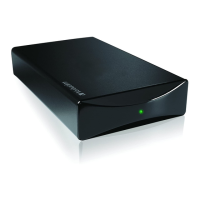
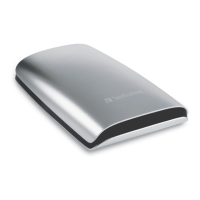
1. Connect the interface cable* to the Verbatim Hard Drive.
2. Connect the interface cable* to the interface port of your computer.
* Please use the interface cables that come with your device (e.g. USB, eSATA, Firewire, Thunderbolt)
for connecting the device to your PC/Mac.
Chapter: Driver Installation
Under Windows XP/Windows Vista/Windows 7 and Mac OS X a separate Verbatim driver
is not required. The drivers will be installed automatically by the operating system after
plugging in the Verbatim Hard Drive into the interface port of the computer.
Since USB 3.0 is backwards compatible with USB 2.0, the Verbatim Hard Drive can
be connected to all USB ports. When connected to a USB 2.0 port, however, the
performance (data transfer rate) of the Verbatim Hard Drive will be much lower than
when the drive is connected to a USB 3.0 port.
For optimum performance the Verbatim Hard Drive should always be connected to
a USB 3.0 interface.
1. 2.











 To Next Page