EasyManua.ls Logo

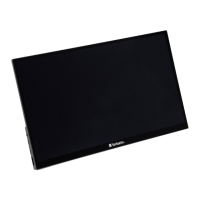
Verbatim PM-14 - User Manual

Verbatim PM-14
8 pages
Print Icon
To Next Page IconTo Next Page
Loading...
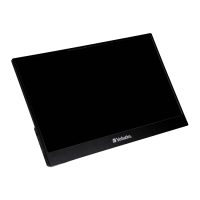
Portable Monitor 14” Full HD 1080p
PM-14
QUICK START GUIDE
Question and Answer IconNeed help?

Do you have a question about the Verbatim PM-14 and is the answer not in the manual?

Summary

How it works

How to connect

Laptop or PC with USB-C

Connect the monitor to a laptop or PC via USB-C.

Mobile devices with USB-C (mobile phone; tablet)

Connect the monitor to a mobile device using a USB-C cable.

Devices with HDMI

Connect the monitor to devices using an HDMI cable and power supply.
Key operation

On-Screen Menu

Specifications

Safety

Verbatim Limited Warranty Terms

Technical Support

Summary

How it works

How to connect

Laptop or PC with USB-C

Connect the monitor to a laptop or PC via USB-C.

Mobile devices with USB-C (mobile phone; tablet)

Connect the monitor to a mobile device using a USB-C cable.

Devices with HDMI

Connect the monitor to devices using an HDMI cable and power supply.

Key operation

On-Screen Menu

Specifications

Safety

Verbatim Limited Warranty Terms

Technical Support

Verbatim PM-14 Specifications

General IconGeneral
BrandVerbatim
ModelPM-14
CategoryMonitor
LanguageEnglish

Related product manuals