Need help?
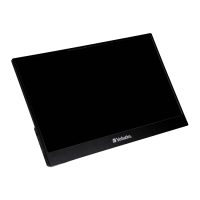
Do you have a question about the Verbatim PMT-14 and is the answer not in the manual?
Detailed description of all physical ports available on the monitor for various connections.
Guide to connecting the monitor to a laptop or PC using a USB-C cable.
Instructions for connecting mobile phones or tablets via USB-C.
Steps for connecting devices with HDMI output without touch functionality.
How to connect devices with HDMI and touch capabilities using multiple cables.
Covers power on/off, volume adjustment, brightness control, and menu navigation.
Details on adjusting picture settings like brightness, contrast, and sharpness within the on-screen menu.
Explains how to adjust color temperature, RGB values, and saturation for optimal display.
Covers selection of display modes, signal source, and other advanced settings.

 To Next Page
 General