Key operation
• Power ON/OFF
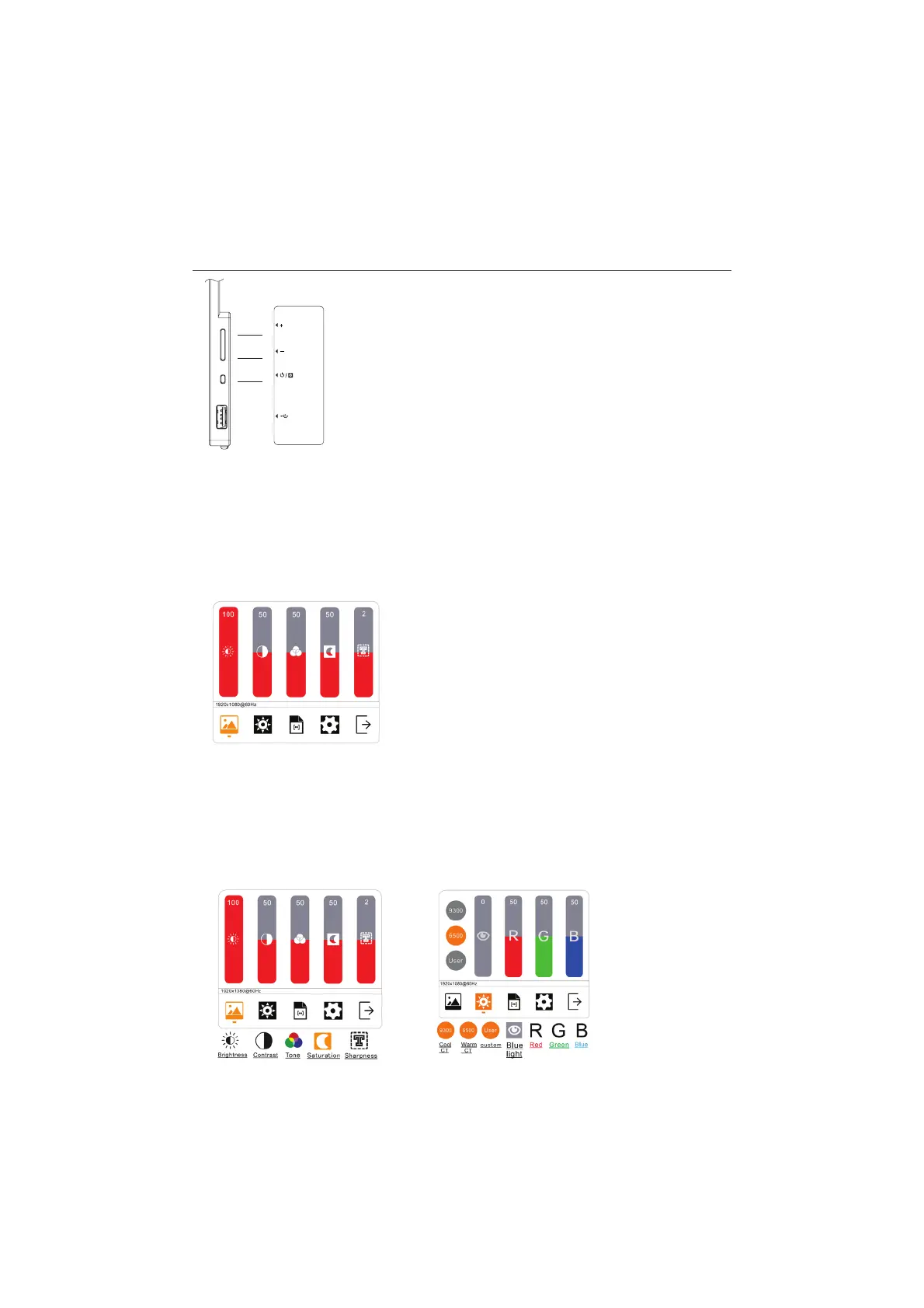
Hold power/menu button (7) to turn monitor on or off (monitor will automatically turn on
when connected).
• Volume
Press + / - (9 or 8) to adjust the volume.
• Brightness
Hold + / - (9 or 8) to adjust the brightness.
• On-Screen Menu:
Press power/menu button (7) to switch to the on-screen menu.
• Switch between options
Press + or – (9 or 8) to switch between options, the selection will be highlighted.
To select an option press the power/menu button (7).
• Return to previous
Hold – (8) to return to previous menu.
9
8
7
On-Screen Menu
1. Picture 2. Colour


 To Next Page