12 13
Thermostat Configuration
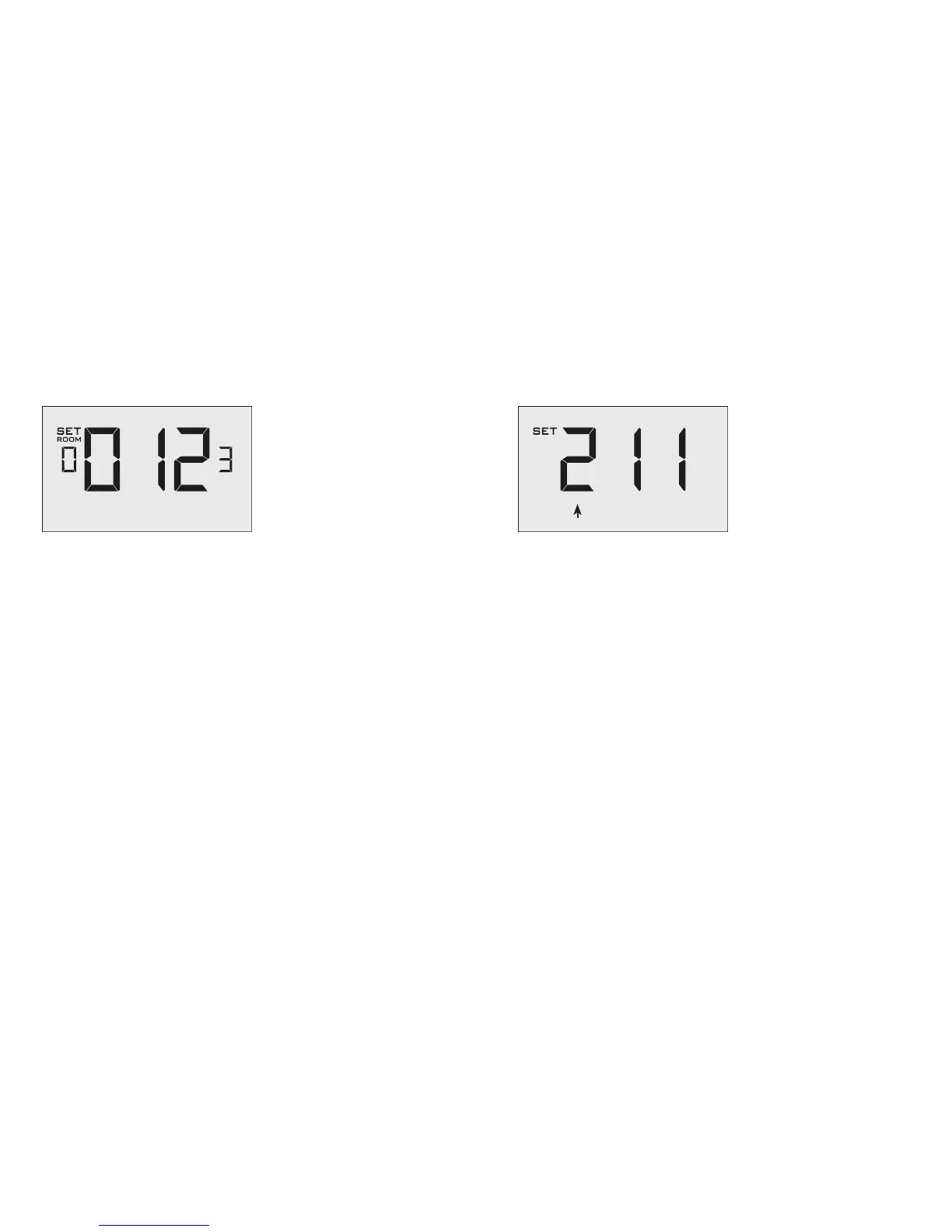
Entering the room number
Enter the room number by changing the digits on the screen. Leading
zeros “0” preceding other digits will be ignored, i.e. Room number “123”
should be entered as “00123”.
➤ Use the “Up” and “Down” buttons to change the digit;
➤ Press the “Fan” button advance to the next digit;
➤ Press the “F/C” button to advance to the next menu;
Entering the room number correctly is crucial for proper operation of
remotely managed thermostats.
Thermostat Configuration
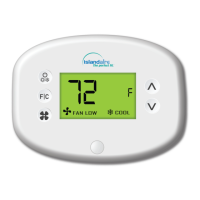
Configuring the Equipment Settings - Compressor Type
➤ Use the “Up” and “Down” buttons to change the compressor type by
changing the first digit;
0 No Compressor
1 Heat Pump
2* Air Conditioner
➤ Press the “Fan” button to advance to the next setting;
* Indicates default setting;
COMPRESSOR TYPE


 To Next Page