9
Job#: X.XXXX Title: VT23 Manual Trim to A5
Date: 03/21/17 Version: Rev9
The touch-sensitive dial allows you to choose from
3300, 6600, or 10,000 LUX light intensities. The
dial also enables you to choose from 15, 30, 45, 60
minute session durations, or continuous.
To choose your light intensity, place your
finger on the dial located on the front, bottom
right of the HappyLight. As you depress the
dial, the lamp will cycle through the three
different intensities. Simply release your finger
when the intensity you desire is illuminated.
Tapping the center dial will turn the light on
(most recently used intensity) or off.
To select either a 15, 30, 45 or 60 minute or
continuous light therapy session, place your
finger on the dial and move in a clockwise,
circular motion. As you do, lights will
illuminate on the dial to indicate your chosen
session length.
Bulb Removal and Replacement — continuedTouch-Sensitive Intensity Dial and Timer
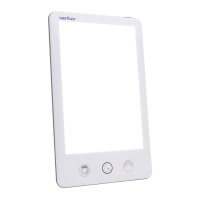
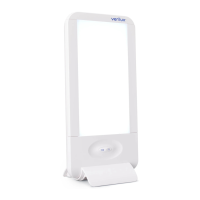
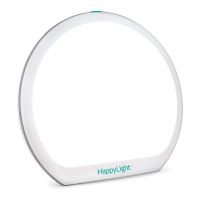
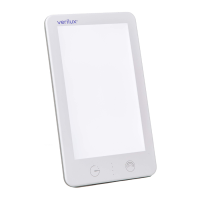
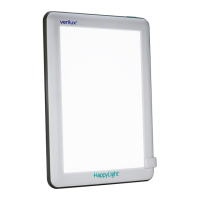
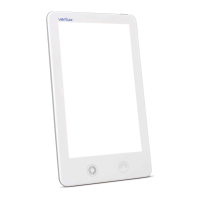
front of unit
touch-sensitive dial
VT23_MAN_Rev9.indd 9 3/21/17 12:08 PM


 To Next Page