9
1
Control devices: description and use
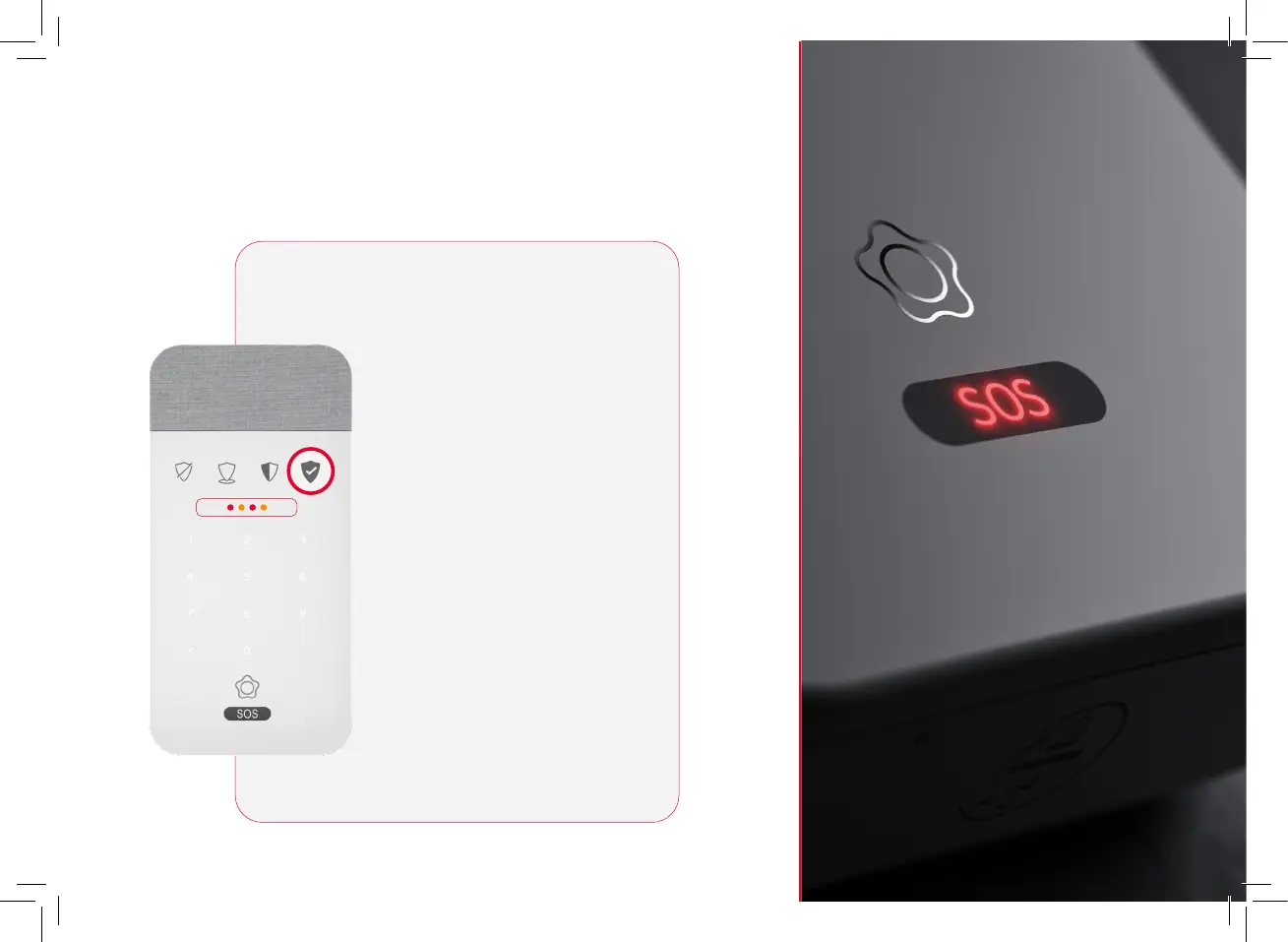
Input reader: signalled by illuminated indicators
If when connecting your alarm it
illuminates with four LEDs light
up in the middle as red and
yellow, it means that you must
listen to the notifications before
connecting the system.
After listening to the voiceover,
press the connect button again
to connect the alarm.
Note: In cases where the alarm
cannot be connected until the
situation is resolved, the device
will tell you.
Notifications to be reviewed:
forced assembly


 To Next Page