12
15B15BReceiving Calls
Lift the handset or press "talk" to answer an incoming call.
Note:
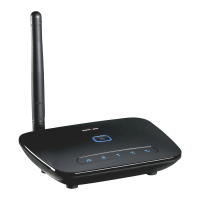
While the Home Phone Connect adapter has a backup battery, if the landline
device requires external power to operate, service (including the ability to
make and receive 911 calls) will not be available during a power outage.
16B16BUsing Voice Mail
1. The voice mail indicator ( ) will blink blue to indicate that you have one or more
unheard voice mail messages.
2. Dial * 8 6 to access your voice mail.
3. Follow the system prompts to listen to and manage your voice mails.
Note:
Please refer to the Troubleshooting section for additional details on accessing
voice mail, or if you would like to use a home telephone answering machine
as your preferred method to manage your voice mail messages.


 To Next Page