taken because the photo counter on the screen
will say 001.
Send a test photo:
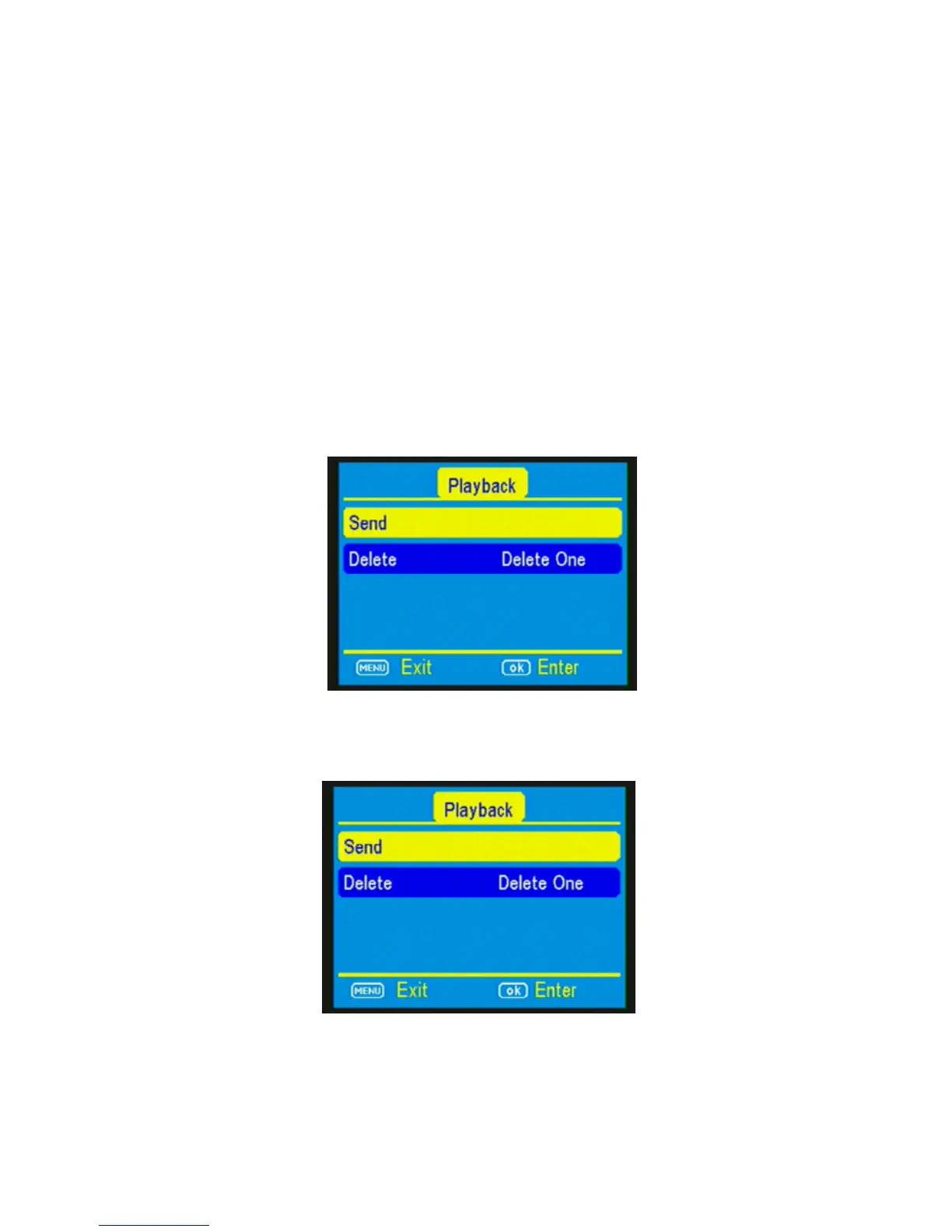
17) Press the PLAY button, located under MENU, to
enter the Play mode and then press the MENU
button. You will see the following screen.
(Figure 17).
18) Press the ▼to highlight the SEND option and
press OK. (Figure 18)
19) The LCD screen will start to count up from step
1 to 10 with brief pauses between numbers.



 To Next Page