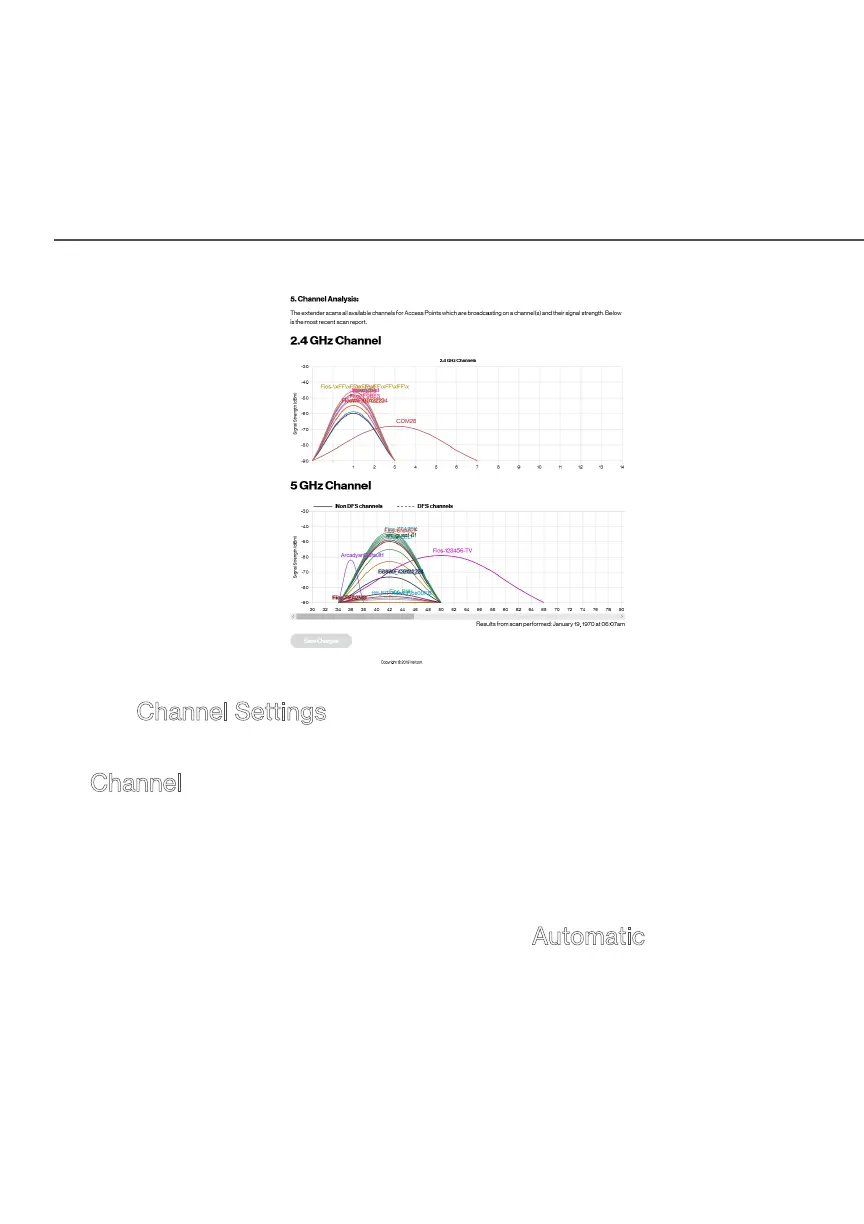
CHANNEL SETTINGS
On the Channel Settings page for either 2.4 GHz or 5 GHz, the
following information displays:
• Channel - this is the radio channel used by the Wi-Fi Extender
and its clients to communicate with each other. The channel
must be the same on the router/extender and all of its Wi-Fi
clients.
– Select the channel you want the Wi-Fi radio to use to
communicate, or accept the default Automatic channel
selection. Then the Wi-Fi Extender will automatically assign
itself a radio channel.













 To Next Page