9
/ INTRODUCTION
verizon.com/fios | ©2019 Verizon. All Rights Reserved
1.3b/ REAR PANEL
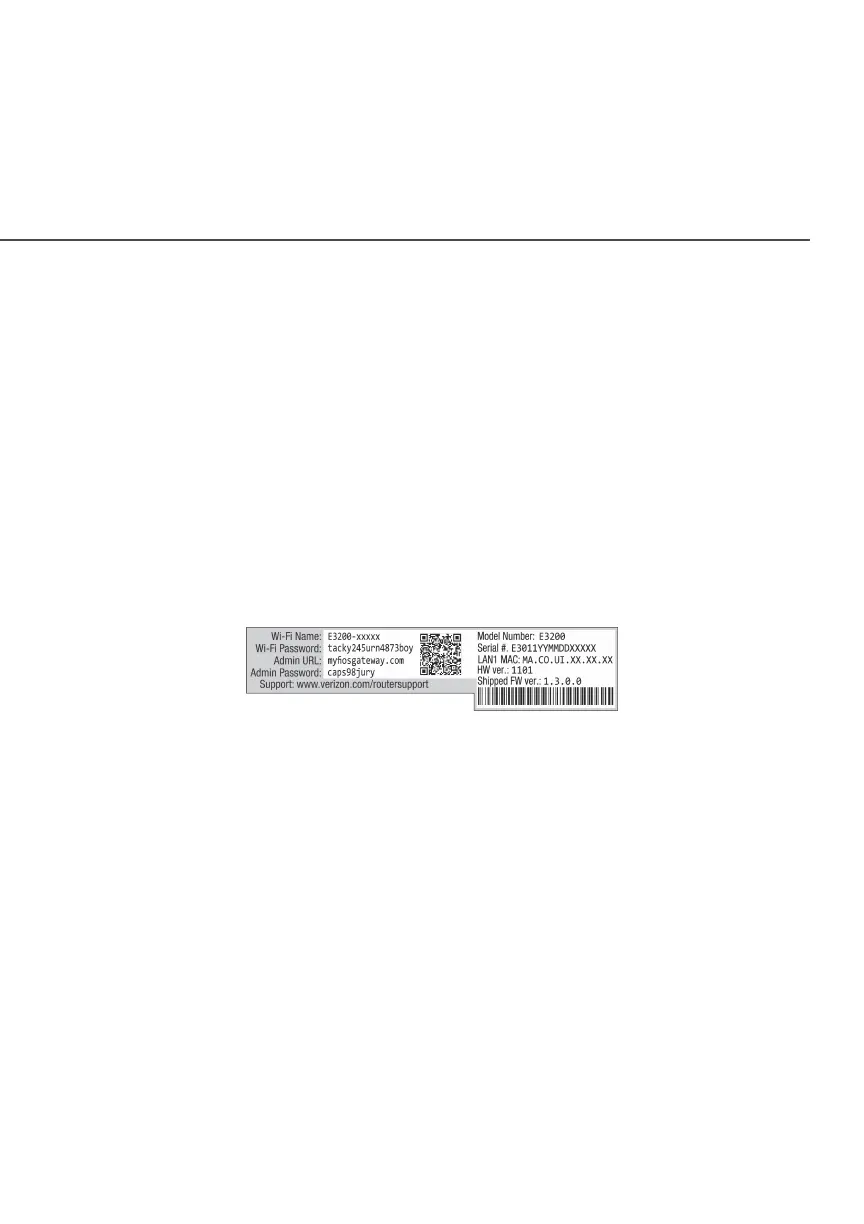
The rear panel of your Fios Business Wi-Fi Extender has a label
that contains important information about your device, including
the default settings for the Fios Business Wi-Fi Extender’s Wi-Fi
network name (SSID), Wi-Fi password (WPA2 key), local URL for
accessing the Fios Business Wi-Fi Extender’s administrative pages,
and administrator password. The label also contains a QR code
that you can scan with your smartphone, tablet, or other camera-
equipped Wi-Fi device to allow you to automatically connect your
device to your Wi-Fi network without typing in a password (requires
a QR code reading app with support for Wi-Fi QR codes).
The rear panel has three ports; F-type coax and Ethernet LAN
[two]. The rear panel also includes a DC power jack and a reset
button.













 To Next Page