© Verizon, 20153
Logging Into the Router Interface
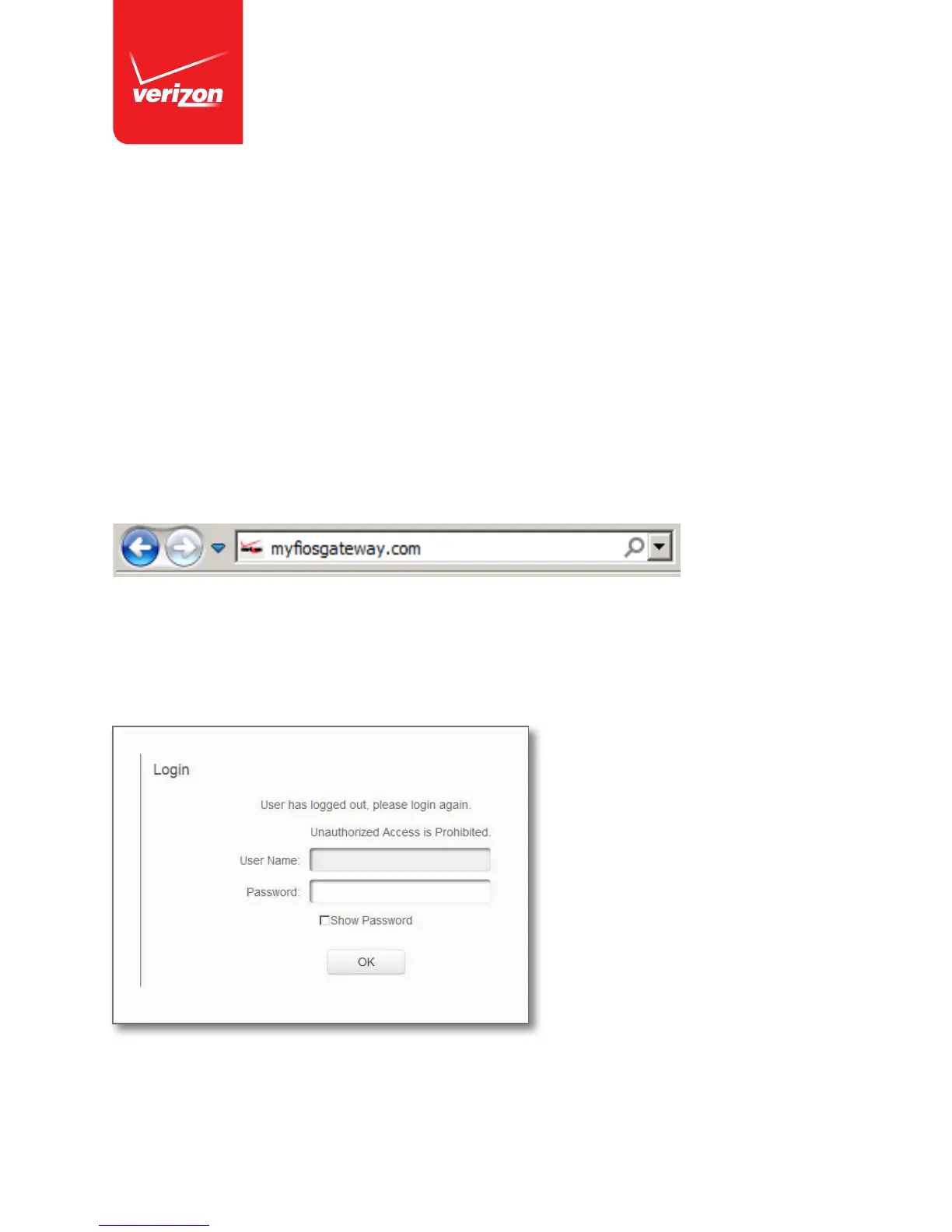
Step 1: Access your Gateway.
1. Open a web browser on the device connected to your Gateway network.
2. In the browser address field (URL), enter: myfiosgateway.com,
then press the Enter key on your keyboard.
Alternately, you can enter: http://192.168.1.1
Step 2: The “Login” screen will appear.














 To Next Page