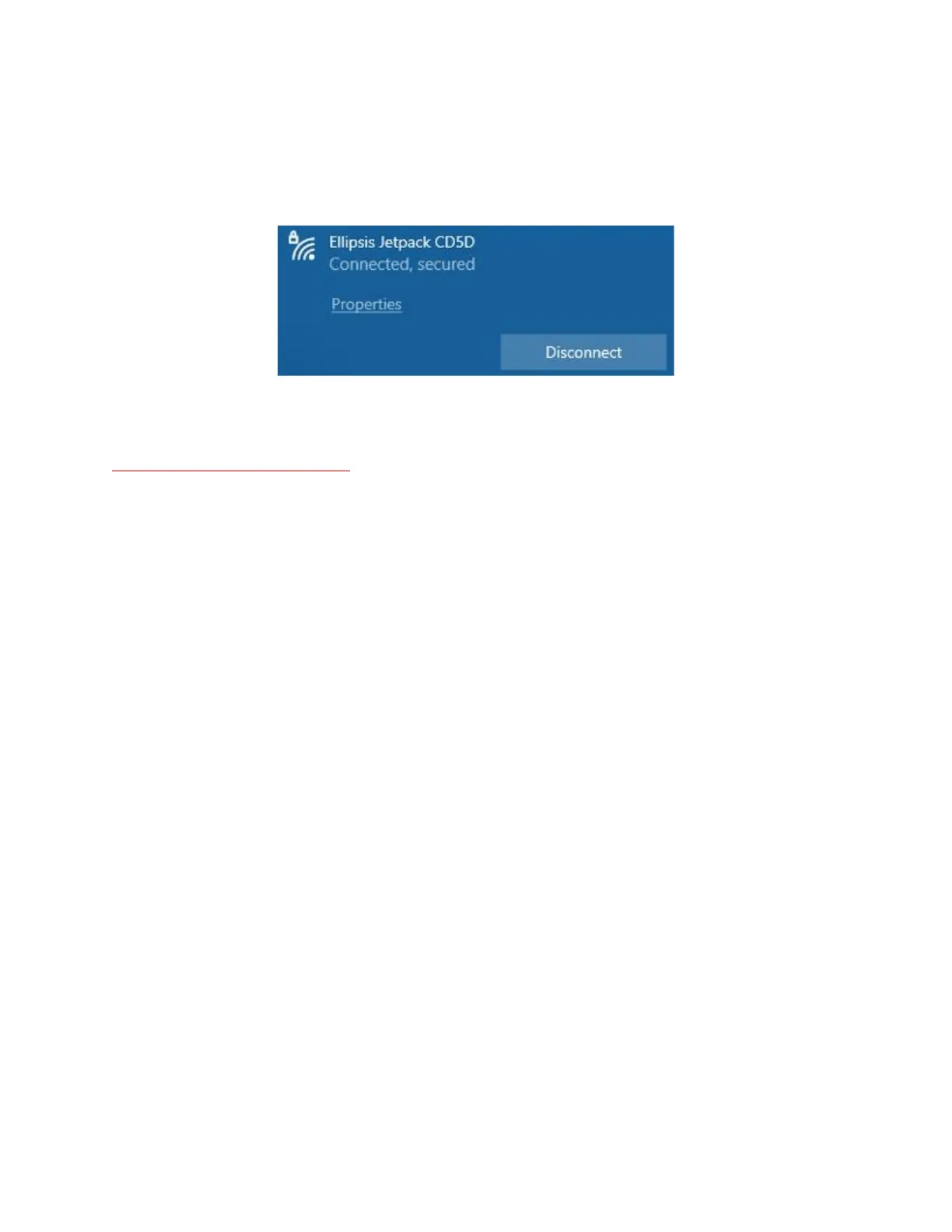
7. If the key is entered correctly, you will see a message similar to the following:
Your laptop is now connected to the internet through the Verizon Jetpack
NOTE - Turning off the hotspot – When you are finished with the hotspot, you can turn it off by
holding the front button for 3-4 seconds until you see the word GOODBYE in the screen. It may
take a few seconds to power down.









 To Previous Page