
 Need help?
Do you have a question about the Verizon One Talk and is the answer not in the manual?
Insert the battery into the handset and ensure it turns on.
Connect the charger cradle to power and place the handset into it.
Position the base station on a desk or mount it on a wall.
Connect the base station to power via AC adapter and to the network via Ethernet.
Connect the base station to a PoE-compliant network port using an Ethernet cable.
Attach the belt clip to the handset for portability.
Steps to register a new handset to the base station using PIN.
Procedure to link a handset to more than one base station.
Steps to remove a handset's registration from the base station.
Set handset to automatically select a base or the one with the best signal.
Guide to changing the name of a base station via the handset menu.
Information on connecting a 3.5mm headset and its limitations.
 General
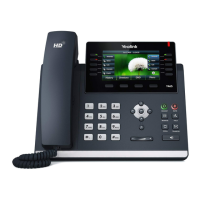
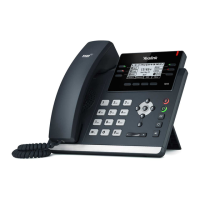
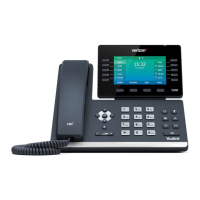
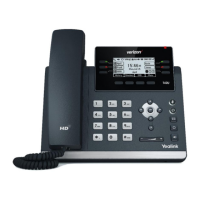
| Category | IP Phone |
|---|---|
| Power over Ethernet (PoE) | Yes |
| Wi-Fi | No |
| Bluetooth | No |
| Headset Jack | Yes |
| HD Voice | Yes |
| Features | Call Waiting |
| Compatible with | One Talk |








 To Next Page