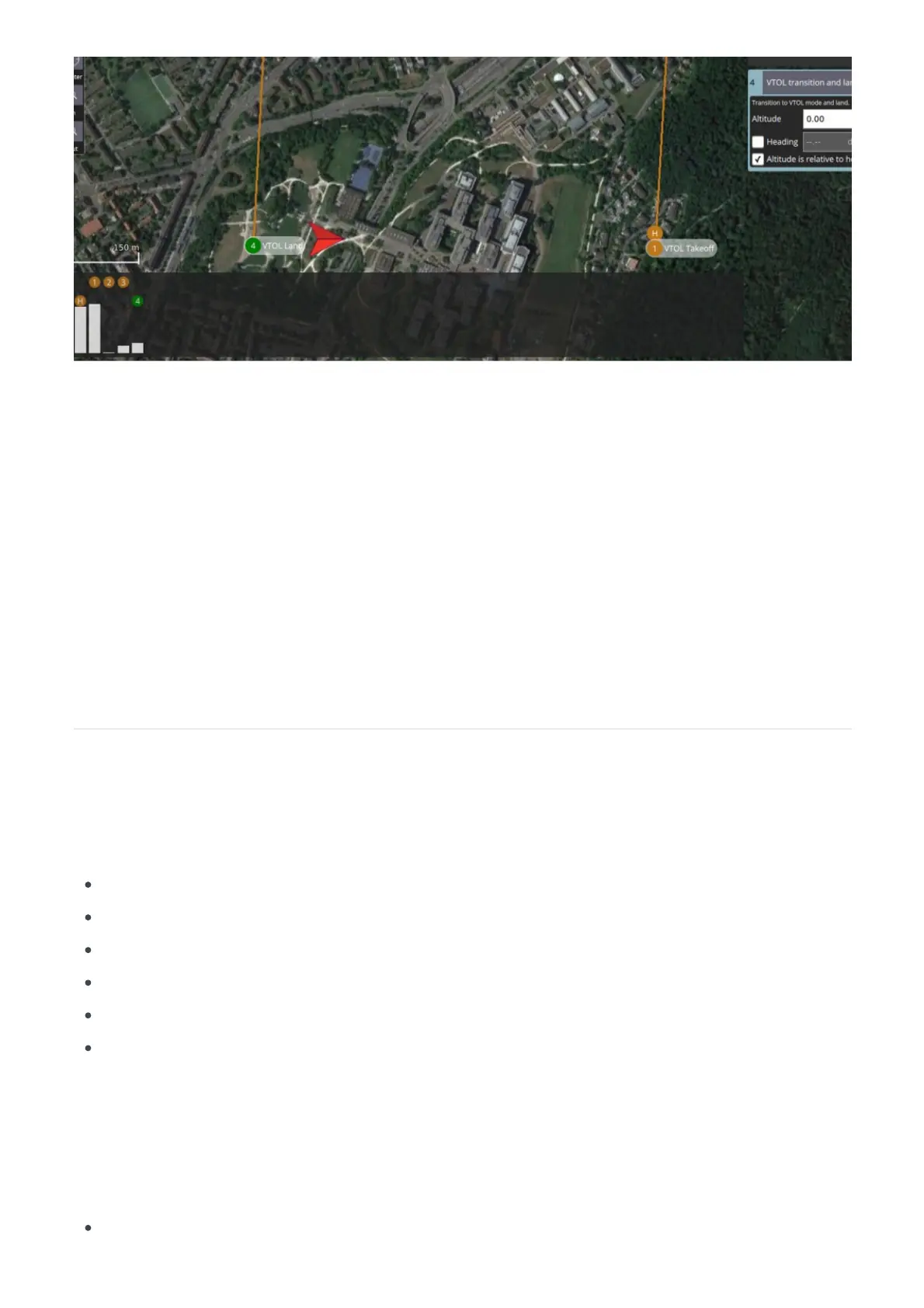
The Plan View is used to plan autonomous missions for your vehicle. Once the mission is planned and sent
to the vehicle, switch to the to perform and fly the mission.Fly View pre-flight checks
The image above shows a simple mission that starts with a takeoff, flies through two waypoints and then
lands at the indicated location.
The steps for creating missions are:
1. Change to Plan View.
2. Add commands to the mission and edit as needed.
3. Send the mission to the vehicle.
4. Change to Fly View and fly your mission.
On the left edge of the screen you will see the Plan Tools. The order of tools from top to bottom is:
Add commands
Survey
Sync
Center map
Map type
Zoom in/out
Click to activate the Add Commands tool. While active, clicking in the map will add new mission commands
at the clicked location. The tool will stay active until you click it again.
The first waypoint will be a VTOL TAKEOFF command. This waypoint will be the position the



 To Next Page