7
FEATURES AND OPTIONS
1. Power Switch
After the machine is plugged in, the LED display will show “OFF”
and the C25v will be in Power Saving mode. Turn the Power
Switch to “On” and the LED display will show “CLO” if the lid is
closed or “ON” if the lid is open. Now the machine is ready to
operate. After using the machine, turn the Power Switch to “OFF”
before unplugging the machine.
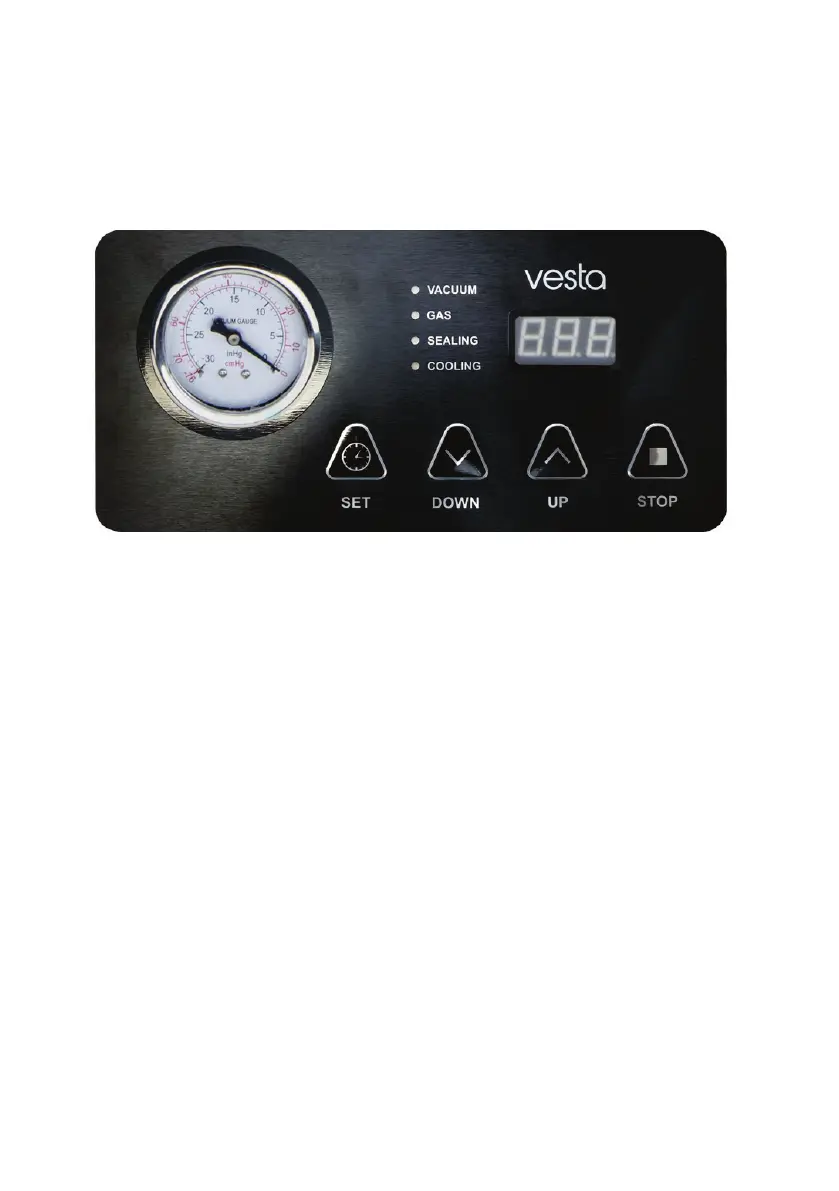
2. Stop
During any operation, press the “Stop” button to cancel any
process.



 To Next Page