English - 25IB v7.3.0 2021 © 2021 Vestel - All rights reserved
2 - OCPP CONNECTED MODE
Presets E.ON Auto-detect, WLAN, LAN-WAN, LAN-APN use OCPP connected mode of the charging
station. All E.ON Auto-detect variants are pre-configured for E.ON Auto-detect preset, so they are
using OCPP connected mode by default. In addition, all E.ON Auto-detect variants are pre-configured
for Freemode charging independent from either the unit is connected to OCPP central system
or not. The Freemode setting should be disabled during the installation from web configuration
interface or from OCPP central system (OCPP Freemode).
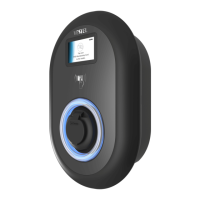
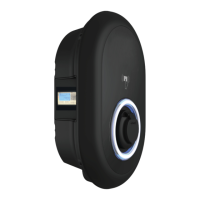
2.1 - SOCKET EQUIPPED MODEL
2.1.1 - VEHICLE CONNECTION & CHARGING
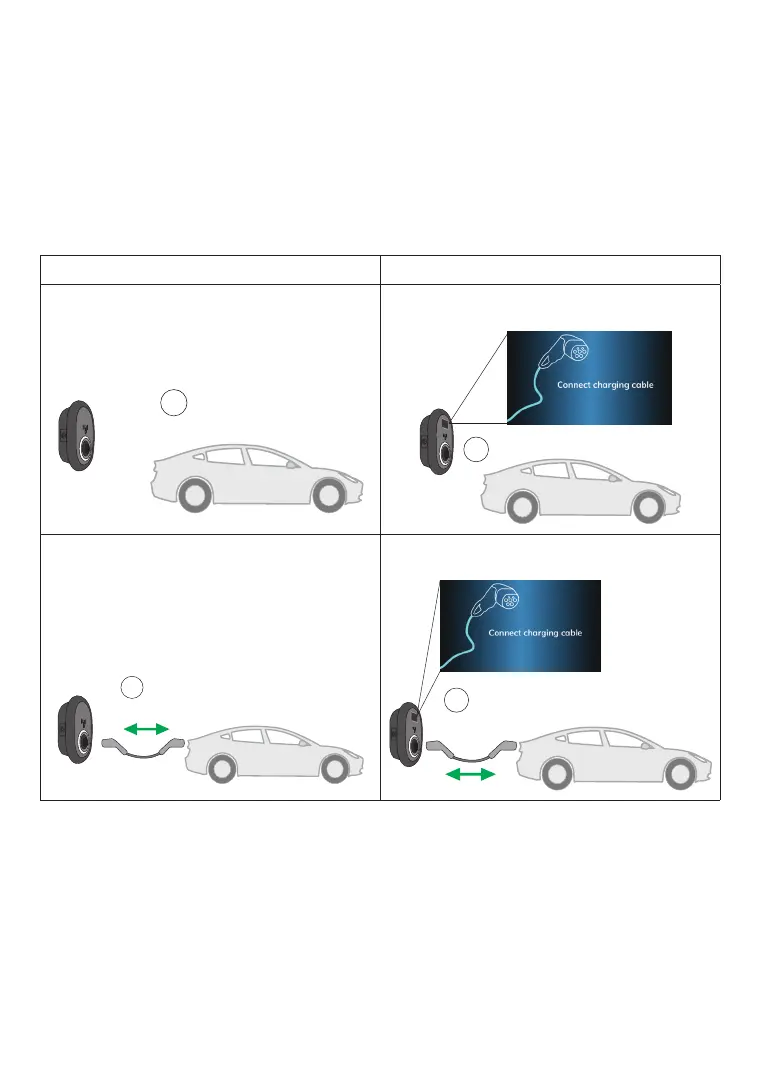
Model Without Display Model With Display
1 - Ensure that your vehicle and the station is
ready for charging.
1 - Ensure that your vehicle and the station is
ready for charging.
2 - Insert the charging plug to the vehicle
inlet and charging station socket outlet.
2 - Insert the charging plug to the vehicle
inlet and charging station socket outlet.
No LED Indication
No LED Indication
No LED Indication
No LED Indication



 To Next Page