18
In accordance with the level determined on the test strip, perform the water hardness adjust-
ment of your appliance as specied below.
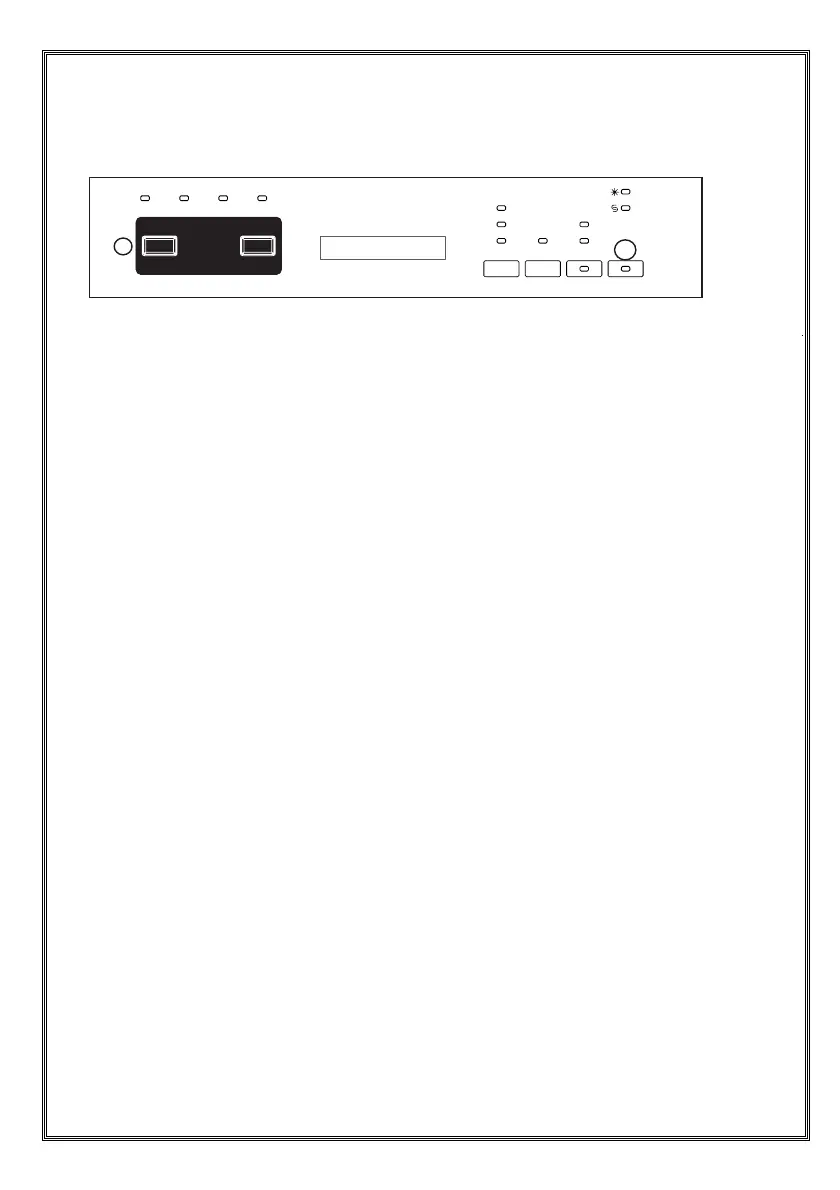
• When the machine is off, press the program button (2).
• Press the On/Off button (1) to switch on the machine and press and hold the program
button (2) for at least 3 seconds.
• If the "hardness setting" is recognized, "SL" will be displayed for 2 seconds.
• Release the program button (2). The last setting level will be displayed.
• Press the program button (2) to set the desired level. The level of harness will increase
every time you press the program button. The hardness level will return to 1 after 6.
• You can press the On/Off button (1) to de-energize the machine to save the recently
selected hardness level.
•
WARNING: In case of moving, adjusting the water hardness level according to the water
hardness of the area you are moving is important for the washing performance.
1
2


 To Next Page