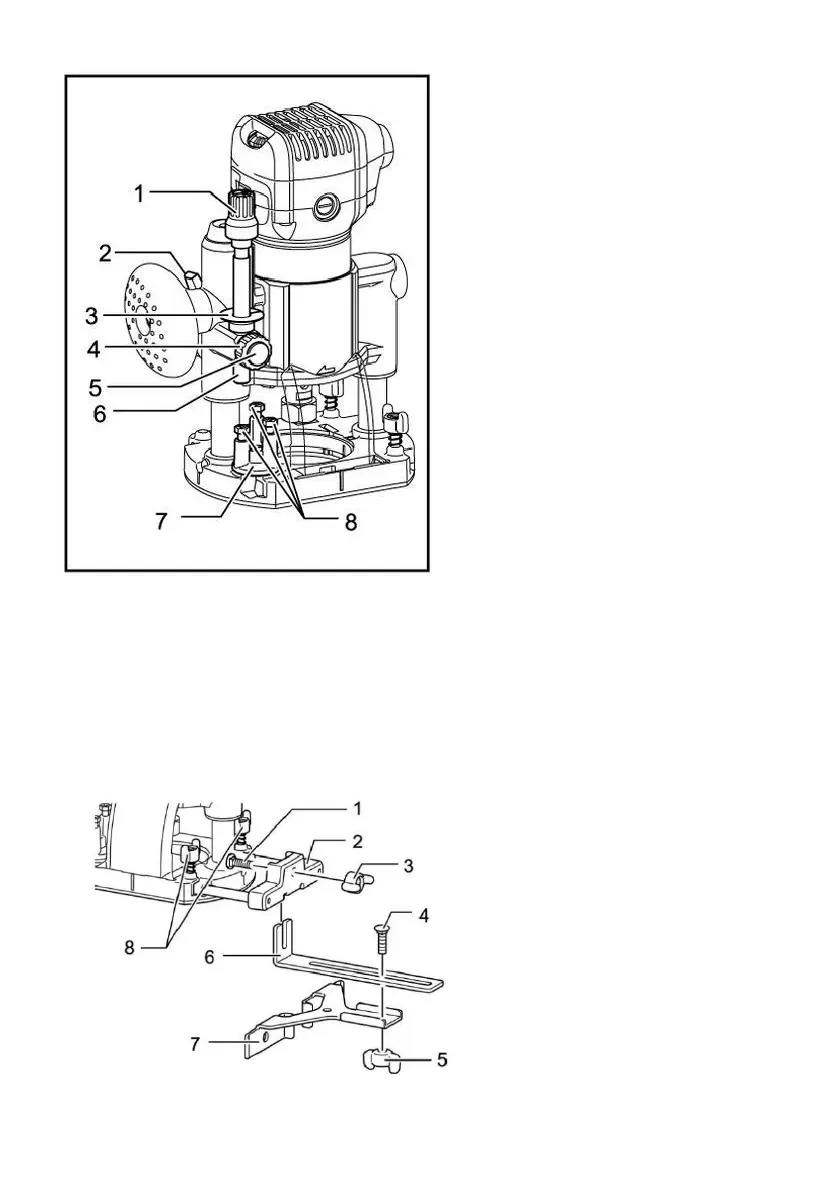
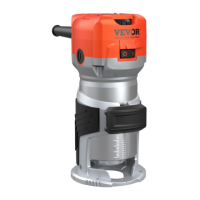
1.Adjusting knob
2.Locking lever
3.Depth pointer
4.Stopper rod setting nut
5.Quick feed button
6.Stopper rod
7.Stopper lock
8.Adjusting bolt
Place the tool on a flat surface. Loosen the locking lever and lower the
body until the cutter head just touches the flat surface. Tighten the locking
lever to lock the fuselage.
Turn the stop lever, setting nut counterclockwise. Lower the stopper rod
until it contacts the adjusting bolt. Set depth pointer.
1.Bolt
2.Guide plate support
3.Butterfly nut
4.Bolt
5.Butterfly nut
6.Guide plate
7.Linear guide
8.Butterfly bolt
Install the straight guide to the guide bracket with the butterfly nut (optional


 To Next Page