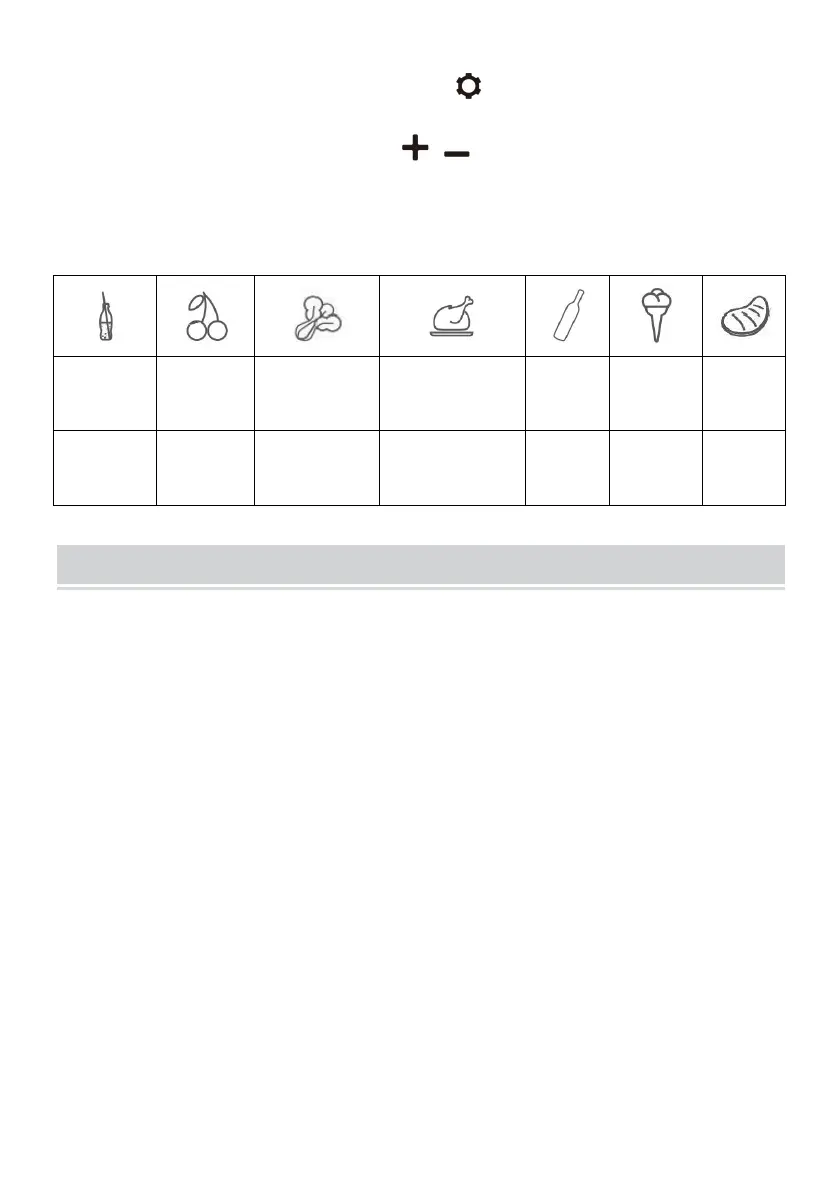
·Reset: switch OFF the fridge,long press for three seconds until E1
displays,under E1 mode,long press at the same time for three
seconds to reset it.
Recommended temperature for common food:
Cleaning:
·Switch off and unplug the device first to avoid electric shock.
·Use wet cloth to clean the device and dry it.
·Do not soak the fridge in water and do not wash it directly.
·Do not use abrasive cleaning agents during cleaning as these can
damage the device.
Storage:
If the device will not be in use for a long time,please follow the instruction:
·Switch off and unplug the device.
·Take out all the items stored in the device.
·Wipe off excess water with a soft rag.
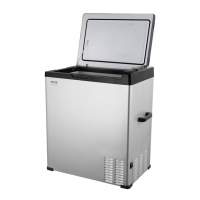
·Put the fridge in a cool and dry place.
·Leave the lid slightly open to prevent odors from forming.
·Recommended storage environment:
ambient temperature:25
℃
,ambient humidity:≤75%.


 To Next Page