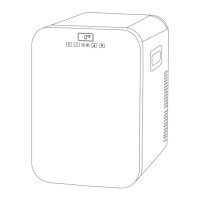
·Temperature Setting: press or for temperature setting,the setting
will be saved automatically after stopping operating for 3 seconds.Note:the
temperature displayed is the current temperature of the compartment,it'll
take a while to reach the set temperature.
Temperature setting range:-20~20℃(-4~68℉)
·Cooling Mode: under the running state,press to switch MAX(fast
cooling)and ECO(Energy saving Mode).(*Factory setting is MAX.)
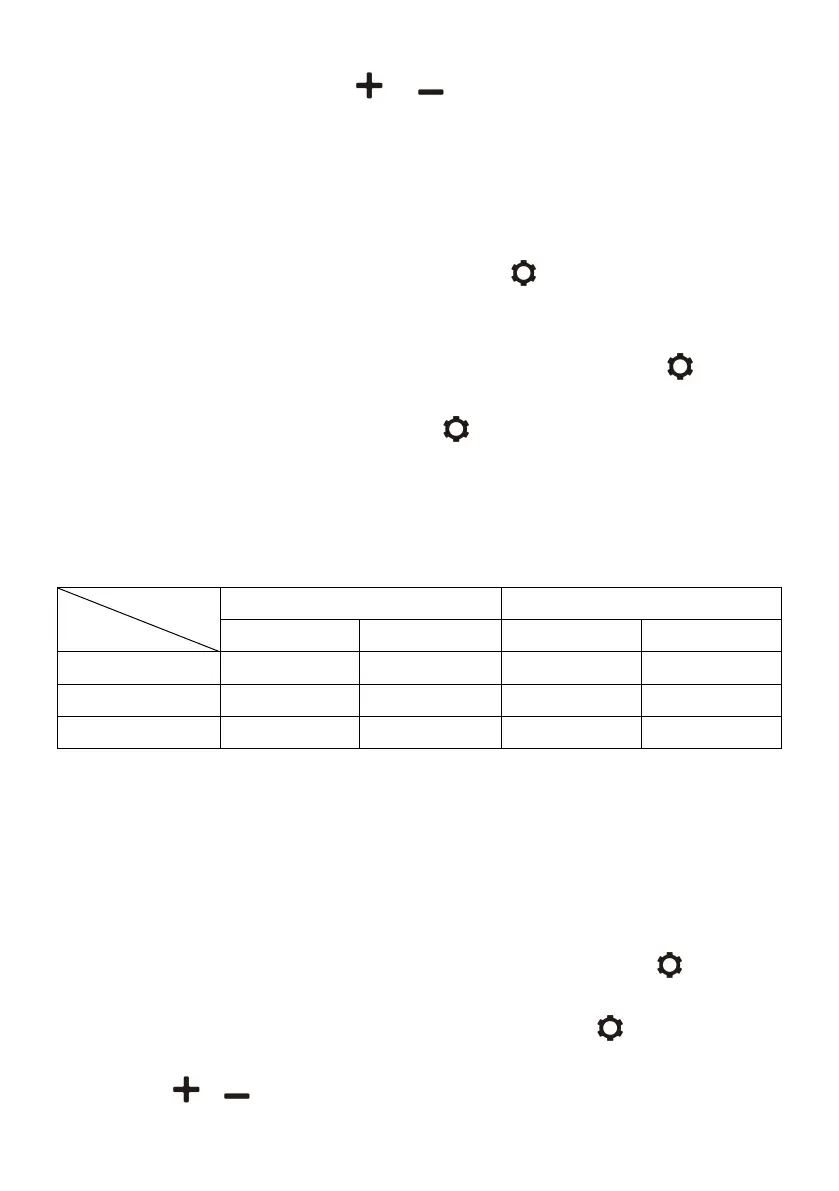
·Battery Protection Mode: under the running state,long press or three
seconds until screen flashes,then press again to select protection mode
H(High),M(Medium)and L(Low) (*Factory setting is M).
Voltage Reference:
*the voltage is theoretical value,there may be a deviation in different
sceneries.
*H should be set when the product is connected to car power,and M or L
should be set when it is connected to a portable battery or other back-up
battery.
·Temperature Unit Setting: switch OFF the fridge,long press for three
seconds until E1 displays,then switch to E5 by pressing again.Under E5
mode,press or to select Celsius or Fahrenheit.


 To Next Page