SMART CONTROL- FRIDGEAPP INSTRUCTIONS
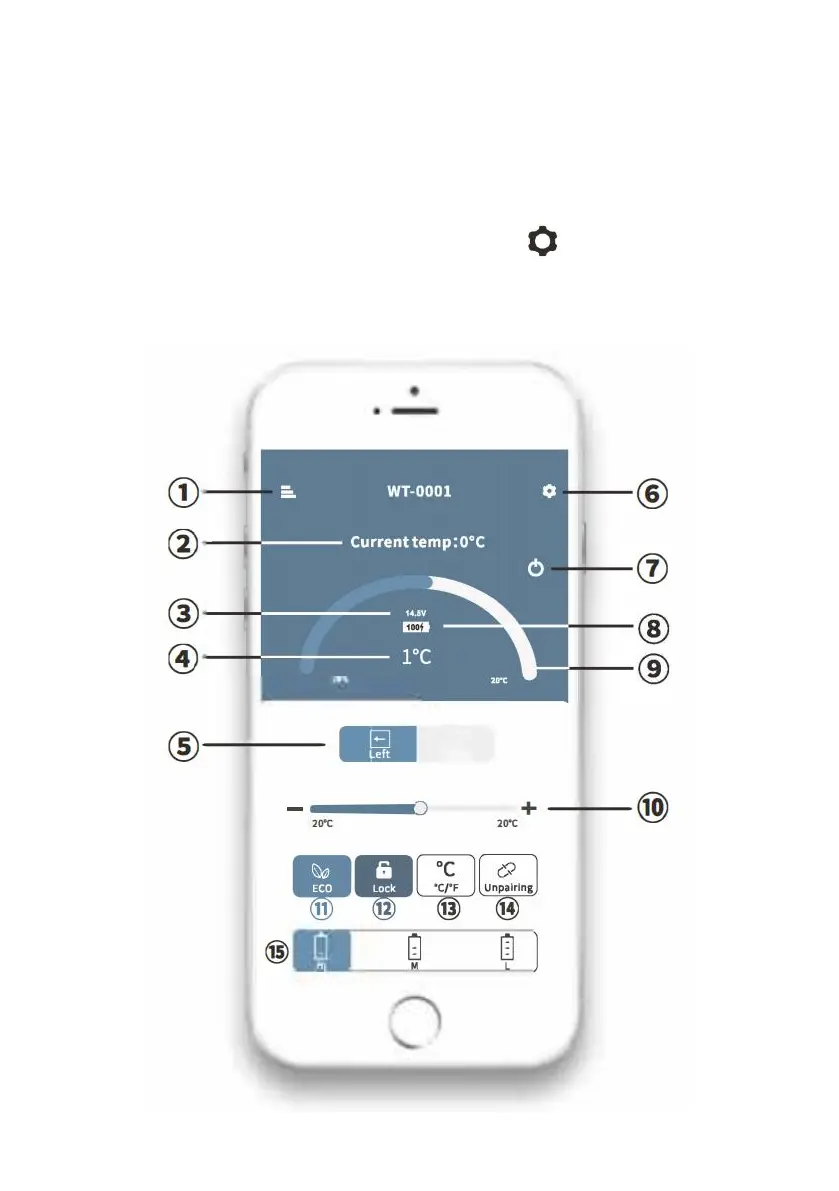
First Step: Turn on the Bluetooth on your smart device; start the APP and
click "Search" to find nearby fridges.
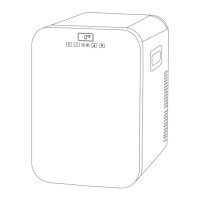
Second Step: Click fridge icon for Bluetooth pairing(the APP will prompt
you to pair the fridge by pressing the set button on the fridge's control
panel when connecting the fridge for the first time). After pairing, the APP
will switch to the main interface allowing you to control the fridge.


 To Next Page