EasyManua.ls Logo

VEVOR CW-3000 Series - User Manual

VEVOR CW-3000 Series
9 pages
Print Icon
To Next Page IconTo Next Page
Loading...
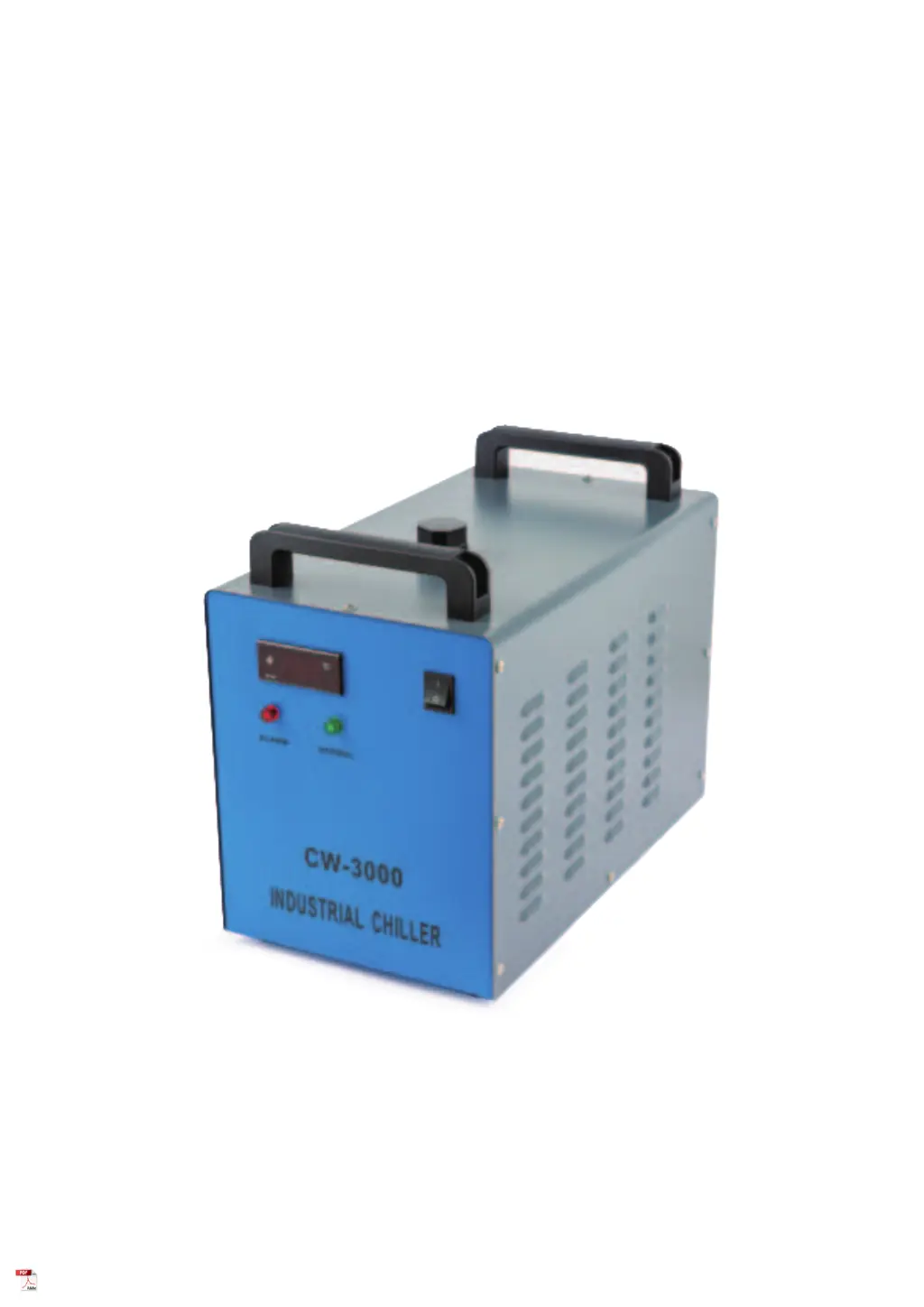
CW-3000 SERIES
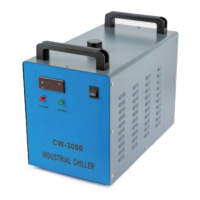
INDUSTRIAL REFRIGERATION CHILLER
USER MANUAL
Read Carefully Before Use
Keep for Future Reference
V20220495

Questions and Answers

  • C
    craigfrancisJul 30, 2025
    What to do if VEVOR CW-3000 water temperature is too high?
    • S
      Steven JohnsonJul 30, 2025
      If the water temperature is too high, first check that the chiller has proper room for ventilation and the air filter is clean. Also, ensure that the power supply is stable, installing a voltage regulator if necessary. Make sure there is sufficient time for refrigerator to occur before activating the device you want to cool, which should take less than 5 minutes with a functioning machine. If the issue persists, reduce the heat load or upgrade to a stronger chiller.
  • N
    Nicole LopezAug 6, 2025
    What to do if my VEVOR CW-3000 Chiller has no power?
    • S
      Stephen SteeleAug 6, 2025
      If your VEVOR Chiller has no power, begin by checking that the power cord is firmly connected. If it is, cut the device's power and pull out the fuse box from the back of the machine. If the fuse has blown, ensure that the power supply is stable or install a voltage regulator. Replace the blown fuse with the spare fuse stored in the fuse box.
  • N
    nrussellAug 14, 2025
    Why is there constant condensation around my VEVOR CW-3000?
    • R
      Rachel MooreAug 15, 2025
      If there's constant condensation around your VEVOR Chiller, try increasing the water temperature or heating the area around the cooling path. If that doesn't resolve the issue, take action to reduce the ambient humidity of the surrounding workspace.
  • L
    larsonmichaelAug 21, 2025
    What to do if the room temperature is too high for VEVOR CW-3000 Chiller?
    • J
      Jerry RobinsonAug 21, 2025
      If the room temperature is too high, ensure the VEVOR Chiller has proper room for ventilation. If it already does, take action to cool the surrounding workspace.

Summary

Safety Information

Operational Safety Warnings

Critical safety guidelines for operating the CW-3000 chiller, covering water, power, environment, and user responsibilities.

Package Contents List

Details the items included in the CW-3000 chiller package, ensuring all necessary components are present upon delivery.

CW-3000 Parts Identification

Front Panel Components

Identifies and locates controls, indicators, and switches on the front of the CW-3000 industrial chiller.

Rear Panel Connections

Details the ports, sockets, and fan located on the rear of the CW-3000 industrial chiller.

CW-3000 Installation Procedure

CW-3000 Alarm System Explained

Alarm Signals and Indicators

Explains the meaning of indicator lights, buzzer alarms, and output signals for various operational states.

Alarm Circuitry Overview

Presents the electrical diagram for the CW-3000 chiller's alarm system, showing component connections and functionality.

CW-3000 Maintenance Guidelines

CW-3000 Model Specifications

CW-3000 Troubleshooting Guide

CW-3000 Support Contact

VEVOR CW-3000 Series Specifications

General IconGeneral
ModelCW-3000 Series
Temperature Control Range5°C to 35°C
Power Supply220V
Flow Rate40L/min
Voltage220V
Frequency50Hz
Cooling Power3000W
Maximum Flow40L/min
WeightApprox. 9.5 kg / 20.9 Lbs

Related product manuals