rod-heating, intelligent mode-INT ctrl, constant temperature mode-CT ctrl,
parameter setting-PARAM set, alarm output-ALM output, room
temperature-room temp, start-up delay-ST delay).
Under normal operation, the upper display window displays the normal
water temperature, and the lower display window displays the set water
temperature.
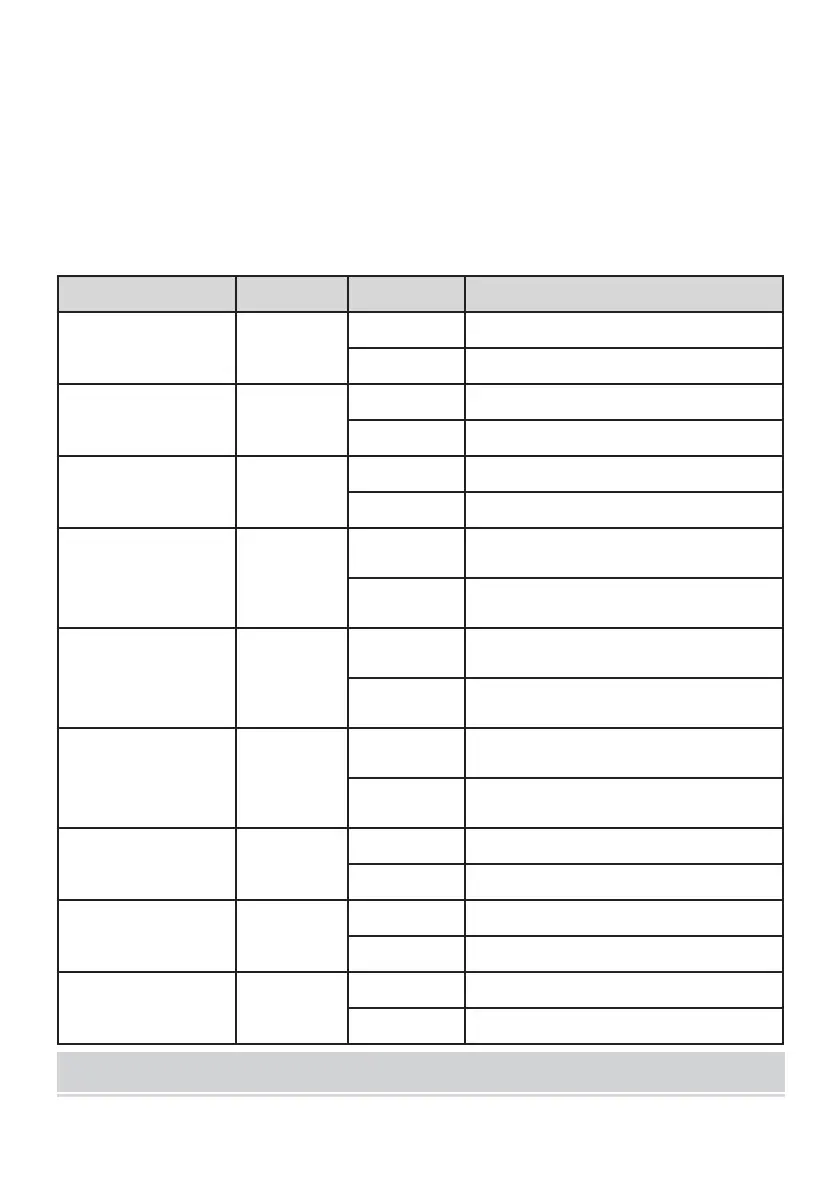
(2) Description of display symbols:
The compressor is turned off
Refrigerant solenoid
valve indicator
The refrigerant solenoid valve is activated
The refrigerant solenoid valve is closed
The heating rod is turned off
The controller works in intelligent control
mode
The controller works in non-intelligent
control mode
The controller works in thermostatic control
mode
The controller operates in non-thermostatic
control mode
The controller works in parameter setting
mode
The controller operates in non-parametric
mode
Displays the room
temperature status
Displays the room temperature status
Displays a non-room temperature state
The boot delay state is in
The device is in the non-boot delay state


 To Next Page