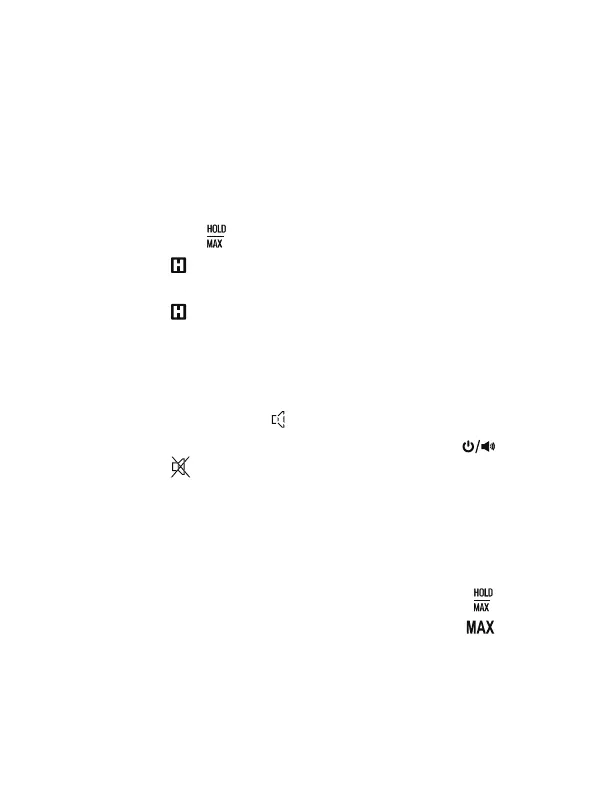
Briefly press the " " button, the readings are held on the display.
The symbol " " will appear as an indicator.
To exit the data hold mode, press this button again.
The symbol " " disappears.
4.
5.
Hold the tester steadily in close proximity to the object being
measured. Avoid rapid movements, as the tester requires reaction
time.
During detection, ensure that there are no metals or other conductive
materials in the vicinity of the measured object.
2. Data Hold
When the tester is turned on, the audible alarm function is on. The
display shows the symbol " " as an indicator.
To disable the audible alarm function, briefly press the " " button.
The symbol " " appears on the display.
3. Audible Alarm Function
When the tester is turned on, it defaults to enter the real-time
measurement mode.
To switch to MAX recording mode, press and hold the " " button
for about 2 seconds. The display will show the symbol " ".
4. MAX Recording Mode
- 9 -



 To Next Page