- 24 -
4. Connect the test leads across the source or circuit to be tested.
5. Read the voltage reading on the primary display. For DC voltage
measurements, the polarity of the red test lead connection will be indicated
as well, and the secondary display will show the ambient temperature. For
AC voltage measurements, the secondary display will show the frequency
of the ac voltage being measured.
Note:
To avoid electric shock to you or damage to the meter, do not apply a
voltage higher than 1000V dc or 750V ac between the terminals.
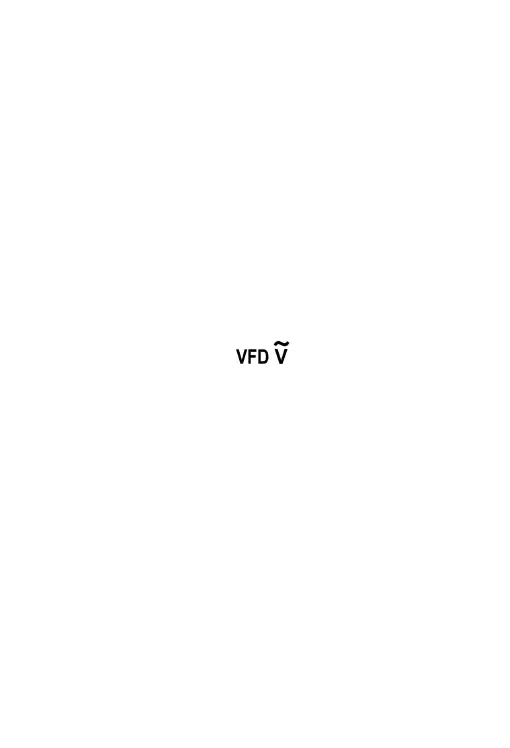
Measuring VFD Voltage
1. Connect the black test lead to the " COM " terminal, and the red test
lead to the " INPUT " terminal.
2. Set the rotary switch to the " " position.
3. Connect the test leads across the source or circuit to be tested.
4. Read the voltage reading on the primary display. The secondary
display shows the frequency of the voltage.
Note:
1. To avoid electric shock to you or damage to the meter, do not apply a
voltage higher than 750V ac between the terminals.
2. In the VFD voltage measurement function, the low pass filter in the
internal circuit of the meter is turned on, and all high frequency noises
received from the circuit under test will be eliminated. To avoid possible
electric shock or personal injury, never use the VFD voltage measurement
function to verify the presence of hazardous voltages. Voltages greater
than what is indicated may be present.


 To Next Page