- 23 -
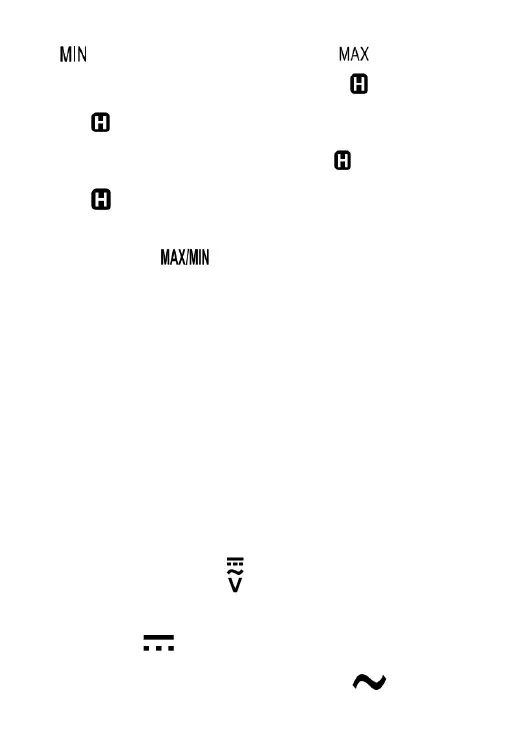
( " " appears ) and the maximum reading ( " " appears ).
3. To pause MIN MAX recording, briefly press the " " button. The
symbol " " is displayed.
To resume MIN MAX recording, briefly press the " " button again. The
symbol " " disappears.
4. To exit the MIN MAX mode and erase all the stored readings, press
and hold down this " " button for about 2 secs; the meter will
return to normal operation.
Note:
1. In auto range mode, the meter enters manual ranging in the present
range when you enter the MIN MAX mode.
2. When the display shows " OL ", it means over range.
3. For frequency, duty cycle, capacitance, diode, continuity and inrush
current measurement functions and non-contact ac voltage detection
function, MIN MAX mode is not available. When the rotary switch is in the "
TEMP " position, MIN MAX mode is not available.
Measuring AC or DC Voltage
1. Connect the black test lead to the " COM " terminal, and the red test
leads to the " INPUT " terminal.
2. Set the rotary switch to the position.
3. If you want to measure DC voltage, press the Function Selector Button
until the symbol " " is displayed. If you want to measure AC voltage,
press the Function Selector Button until the symbol " " is displayed.


 To Next Page