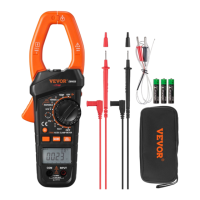
- 26 -
a voltage > 1000V.
Measuring AC Current
1. Make sure that all the test leads have been removed from the meter.
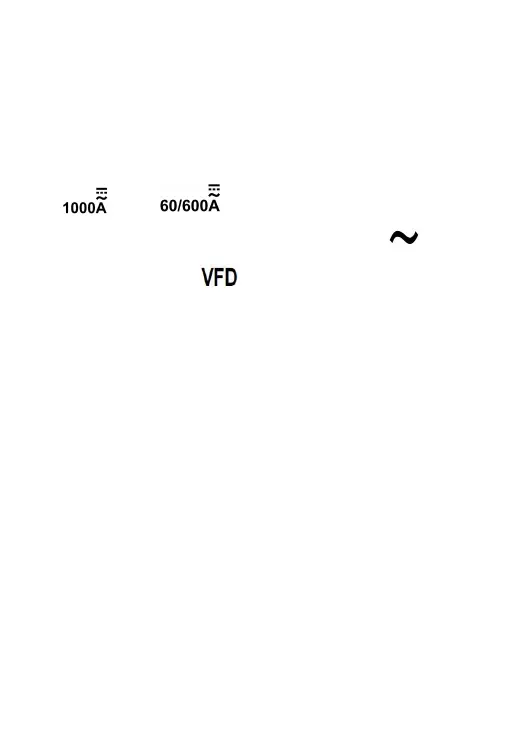
Then set the rotary switch to desired current range position ( "
" or " " position ).
2. Press the Function Selector Button until the symbol " " is
displayed and the symbol " " is absent from the display.
3. Press the trigger and clamp the jaws around one conductor to be
tested. Make sure that the jaws are perfectly closed.
Note:
Only one conductor should be clamped. Measuring two or more
conductors at the same time will produce wrong reading.
The conductor should be positioned at the center of the jaws;
otherwise there will be an additional measurement error, which is
typically not more than about 2% of reading.
4. Read the ac current reading on the primary display. The secondary
display shows the frequency of the ac current being measured.
Note:
1. After you turn on the meter, wait about 5 to 10 minutes to allow the meter
to warm up before you start current measurement. This is necessary for
accurate measurements.
2. Don't use the meter to measure a circuit's current if the circuit contains a
voltage > 1000V.


 To Next Page
 Loading...