- 30 -
and the red test leads to the " INPUT " terminal.
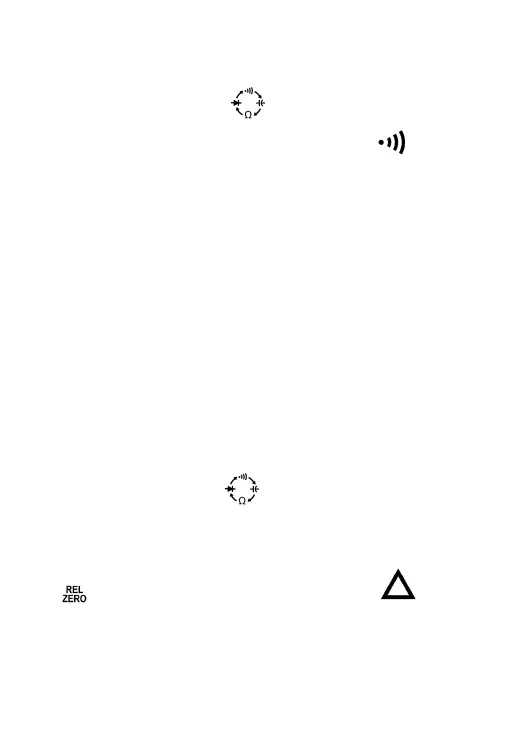
2. Set the rotary switch to the position.
3. Press the Function Selector Button until the symbol " " appears
on the screen.
4. Connect the test leads across the circuit to be tested.
5. The primary display shows the resistance value of the circuit under test.
If the resistance is less than about 50Ω, the built-in buzzer will sound and
the red LED will light.
Note:
Before test, disconnect all power to the circuit to be tested and discharge
all capacitors thoroughly.
Measuring Capacitance
1. Connect the black test lead to the " COM " terminal, and the red test
lead to the " INPUT " terminal.
2. Set the rotary switch to the position.
3. Press the Function Selector Button until the display shows a
capacitance measurement unit ( nF ).
4. If the primary display shows a reading other than zero, press the "
" button to zero the primary display; the symbol " " will
appear on the meter screen to indicate that the meter is in Relative
mode.
Note: Do not short the test leads together.
5. Connect the test leads across the capacitor to be tested.
6. Wait until the reading on the primary display is stable, then read the


 To Next Page