c. Minimum current 8A, maximum current 48A, step 8A; After selecting the
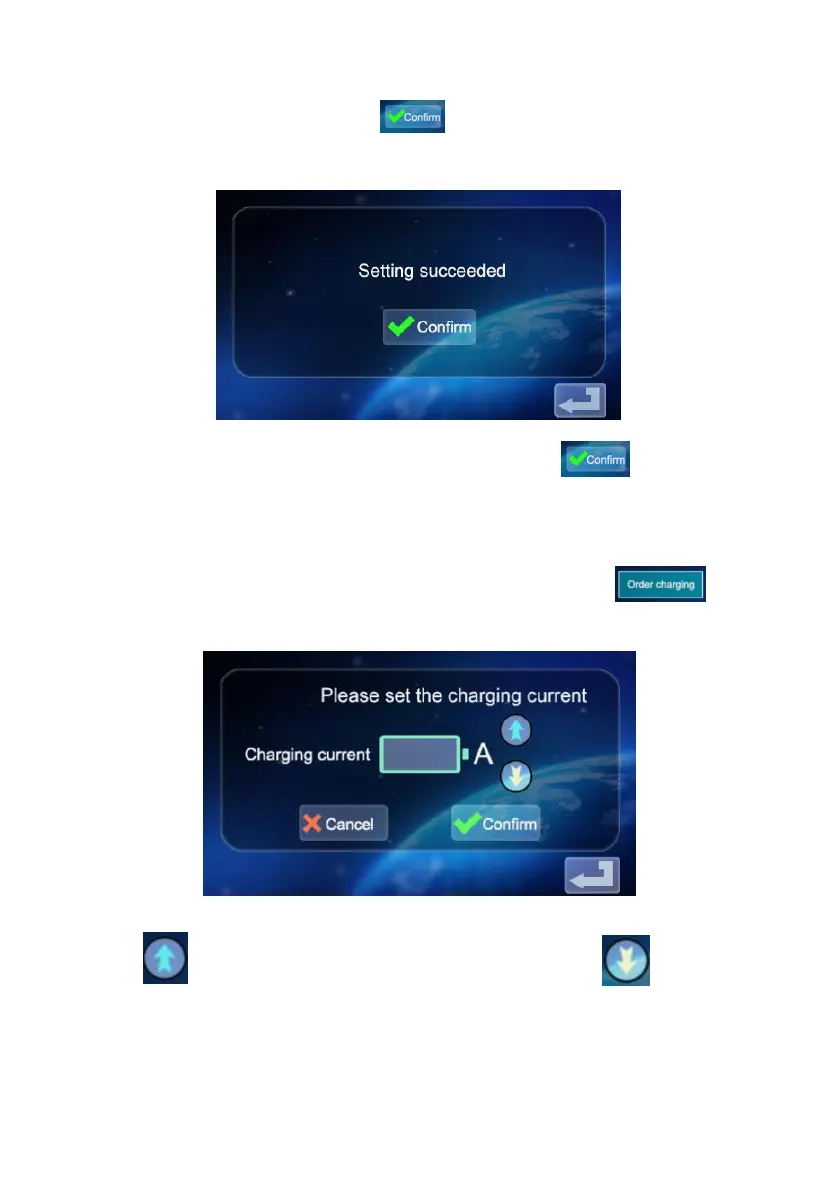
appropriate current, click the icon .If the charging current is
successfully set, enter the setting success interface:
d. Click back to the main screen of function Settings .
2.8 Setting the charging Schedule
a. Click the icon in the main interface of function setting to enter
the setting of reservation charging function, as shown in the picture:
b. Click to increase the reservation time and click to decrease
the reservation time. You can choose between 0 and 12H.


 To Next Page