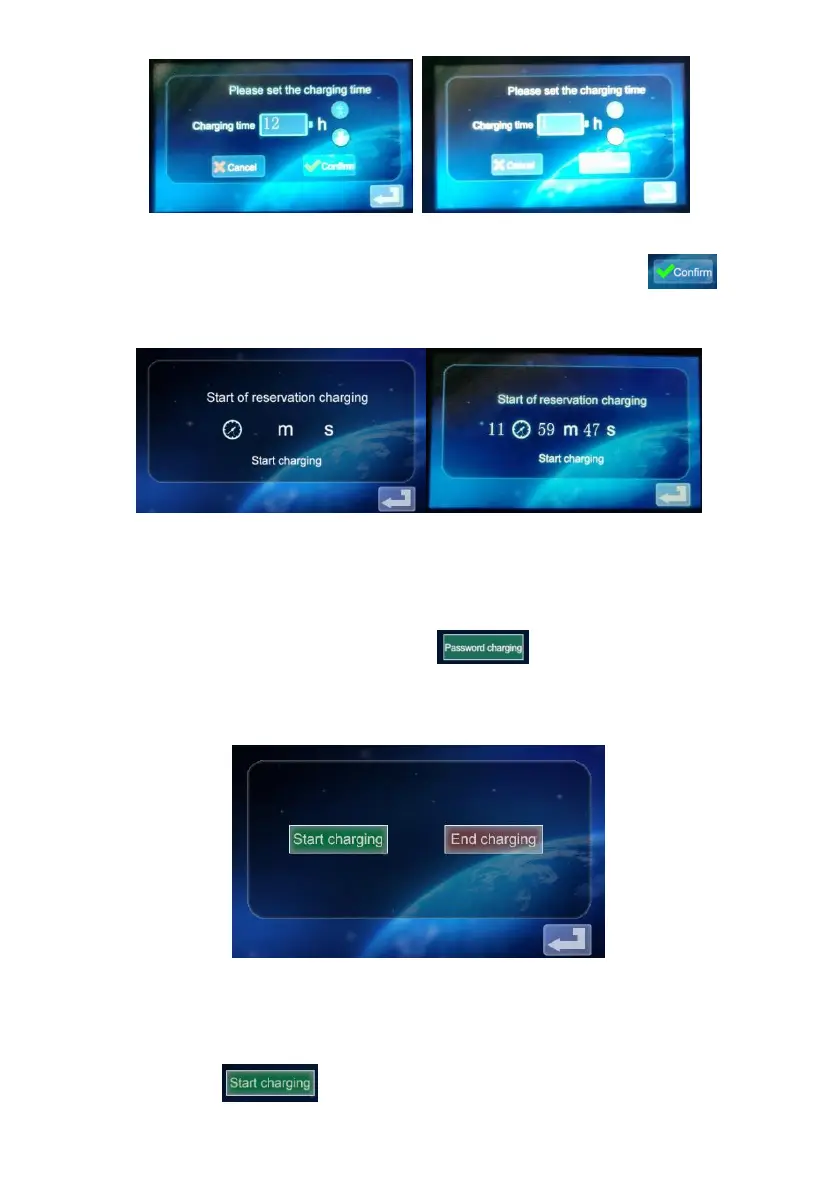
c. After selecting the appropriate charging time, click the icon to
enter the countdown interface:
After the appointment time, it will automatically enter the charging state.
2.9 Password Charging Settings.
a. Click the icon in the function setting interface to enter the
password charging start/Stop interface:
b. Click the icon , and the device will recognize whether the


 To Next Page