e. Tap the icon again to return to the main screen of function setting.
2.12 Charging Status Display interface
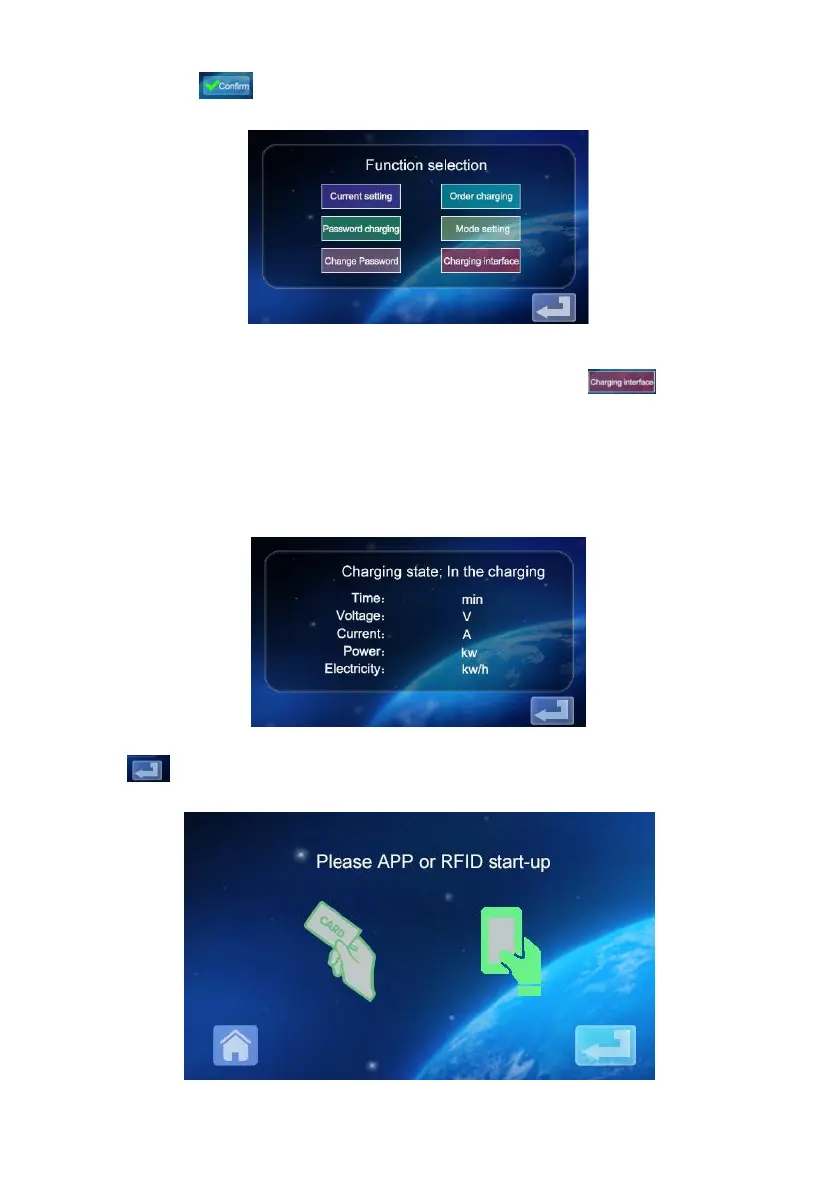
a. On the main screen of function setting, tap the icon to enter the
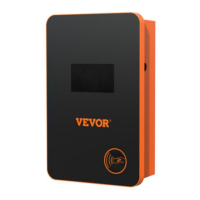
charging status display screen; Display real-time charging
voltage/current/power/quantity. (voltageA/voltageB/voltageC with
CurrentA/CurrentB/CurrentC, for three-phase power value, when the
single-phase power supply only voltageA and CurrentA numerical display)
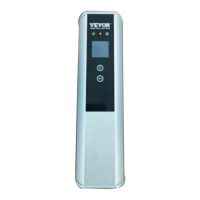
b. Tap again to return to the standby screen.


 To Next Page