Note: When the power supply is connected and the refrigerator is turned on,
disconnecting or starting refers to disconnecting or starting the compressor.
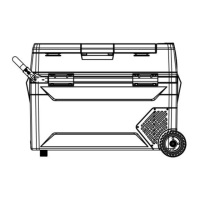
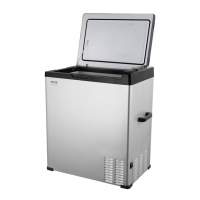
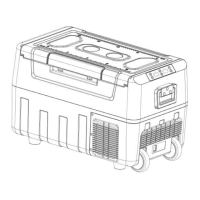
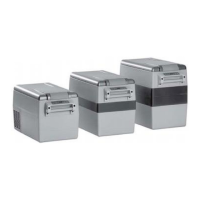
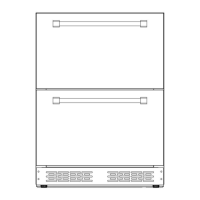
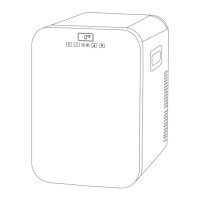
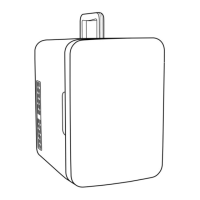
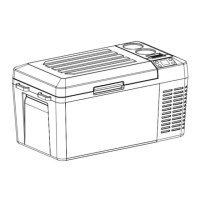
Component Diagram
1. Compressor cover
2. Power inlet
3. Recessed handle
4. Control panel
5. USB
6. Door gasket
7. Inner light
8. Storage compartment
Optional Operation Method
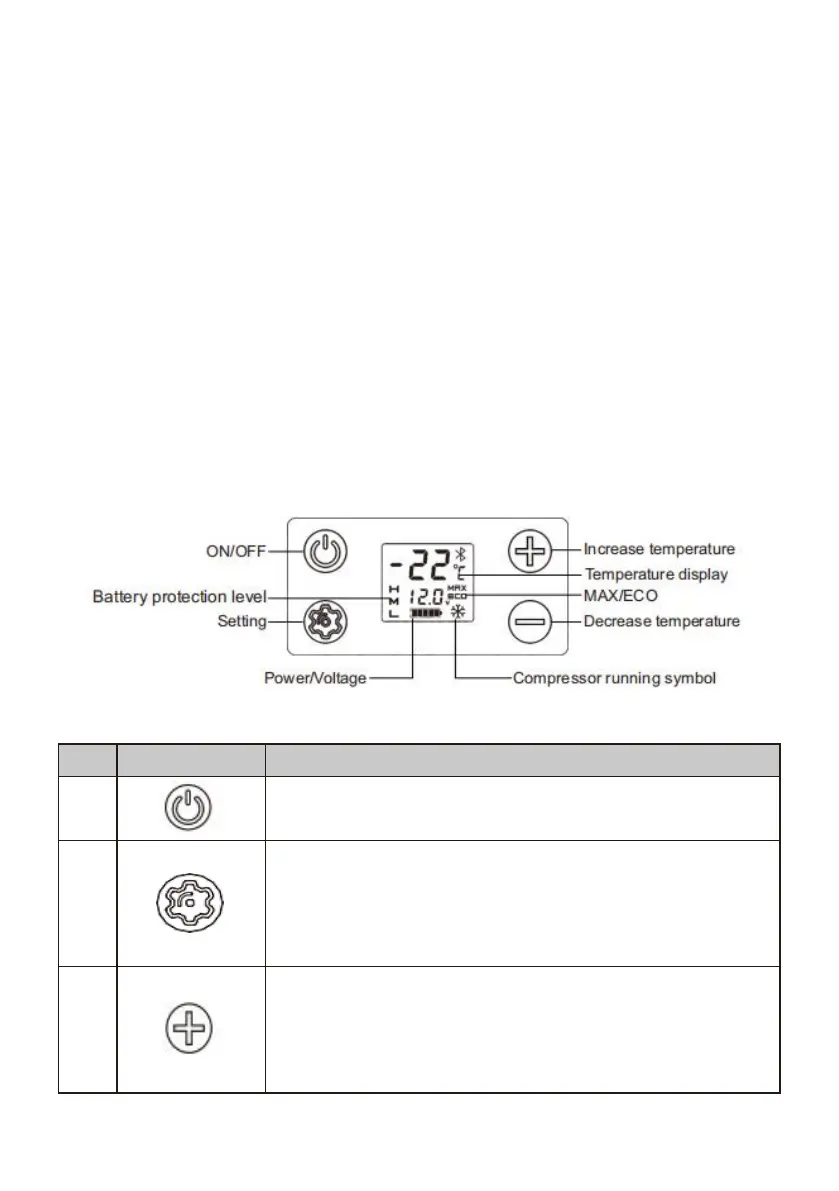
Switch the fridge on when the button is pressed briefly.
Switch the cooler off when the button is pressed again.
Press briefly to select MAX or ECO.
In MAX mode, the compressor runs fast to reduce
temperature rapidly. In ECO mode, the compressor runs
slowly to save energy.
Press briefly to increase the set temperature by 1 degree.
Press continuously to increase the temperature fast. The
maximum setting can be 10 ℃, and the minimum setting
can be - 20 ℃(The default value for the initial startup is


 To Next Page