1. Power on: open the power supply knife of the machine cable. After power on, all
display units will light up once and the buzzer will drop once.
2. Power button: each furnace area has an independent power button. When you
want to start one of the burners, press the power button to turn on the power and enter
the standby state.
3. Standby state: Press the power button as described in the second operation and
enter the standby mode, which displays 0 (0 is not heated). The standby mode
automatically exits and returns to the shutdown state without any operation
for a long time.
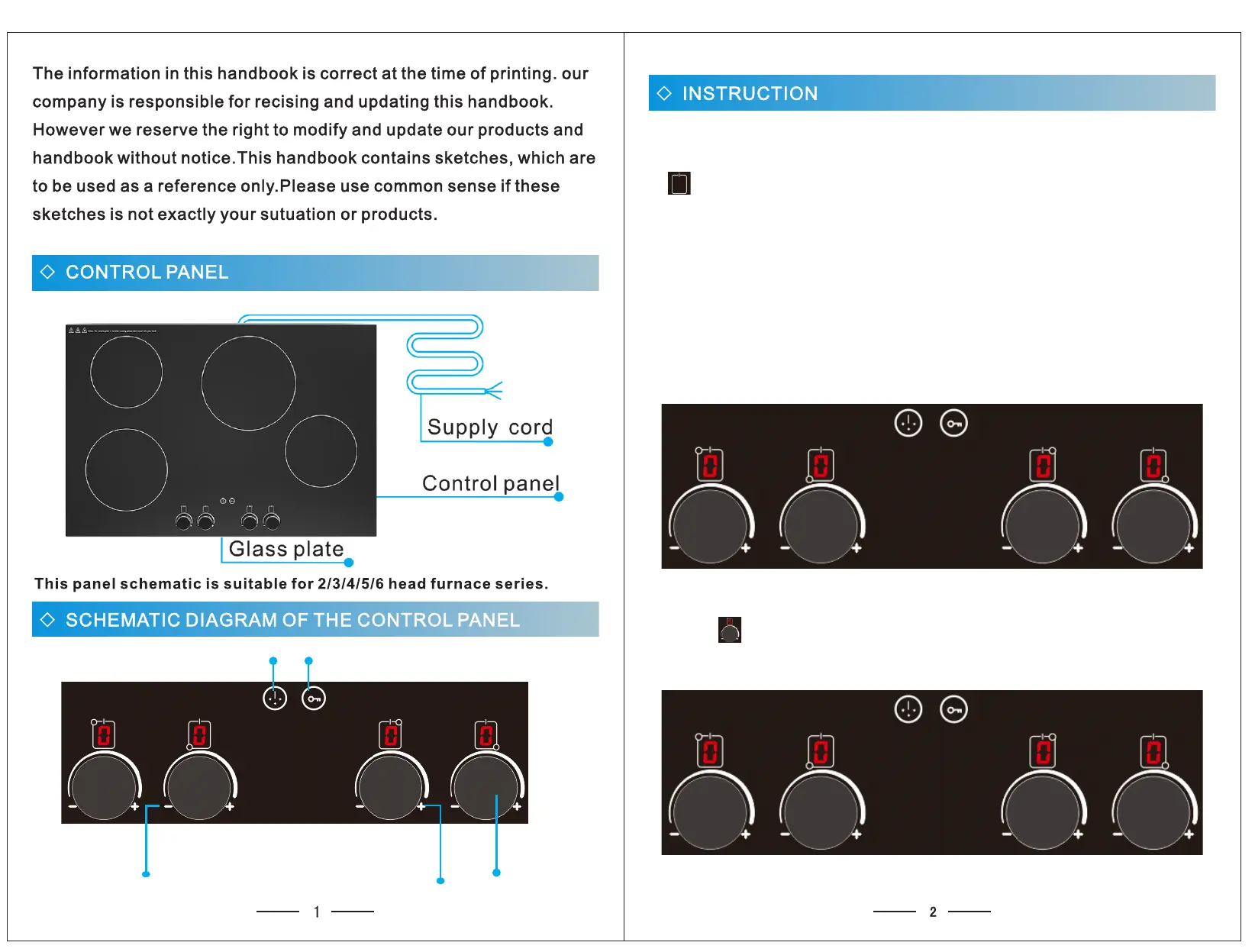
The standby state is shown as follows: 0 is the standby state in the four furnace areas
4. Heating: For example, if you want to use the upper left furnace area for heating,
push the regulator in the standby state. When the digital display 0 turns into a
number, the furnace area enters the heating mode. As shown in figure 9:
ON/OFF
UP
DOWN
LOCK
TIMER


 To Next Page