Installation Guide:
Step 1
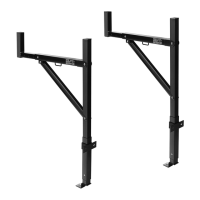
Install the mounting bracket (9), extended bracket (11), and base
bracket (12) on one side of the truck bed. Show as figure 2.
A. Mark the 3 drill holes on truck rack for mounting bracket(9) and
base bracket(12) and drill the holes.
B. Insert bolt (4)to extended bracket(11) and base bracket(12) ,Lock
it with flat washer(5)and lock nut(6).
C. The mounting bracket (9) slides over into the extended
bracket(11) at suitable postion and fix it with bolts (8), flat
washer(5),spring washer(13), lock nut(6). tighten the Anti-float
screw (10) at last.


 To Next Page