2) If the clapboard is removed from the compartment, the temperature display of the small
compartment will be off. In this condition, there is only one storage compartment.
3) The temperature display will flash for 3 seconds and then fix the setting after adjusting
the temperature and no more action on buttons. The setting temperature will be memorized,
and the display will turn back to show the actual temperature of the storage compartment.
4) The default value for an initial startup is 0 ℃/32 ℉.
3.MAX / ECO Mode Conversion
Directly press key to switch to MAX mode or ECO mode.
MAX running mode: the fridge will work hard to reduce temperature fast.
ECO running model: the fridge will work longer to reduce the temperature to save energy.
4.Celsius (° C)/Fahrenheit (° F) display switching
Press and hold the "+" key and the setting key on the left (large box) for over 3 seconds to
switch.
5.Battery Protection Levels: H1 (High) N2 (Low) L3 (Medium)
Press key for 3s to enter the battery protection setting. Press the key again to
switch H1 N2 L3 levels in turns.
If no operations were detected, the set level will flash for 3s, then exit and save the
current setting.
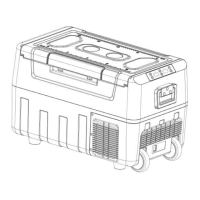
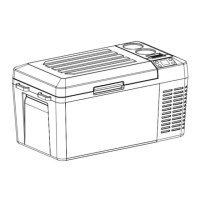
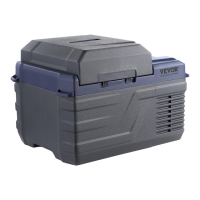
Model Parameter Table:
AC100~24
0V
(
50/60Hz
)
DC12V/24V



 To Next Page