Testing the detector in the All METALS mode
Counterclockwise turn the ALL METALS/DISC knob until it clicks. Now the detector
is in the ALL METALS mode. Refer to Figure 6, respectively pass the metal
samples ( the iron nail and 3 coins ) across the search coil at a distance of 5cm to
8cm. When any of the metal samples passes across the search coil, the detector
should beep and the monitor screen should show the display shown in Figure 8.
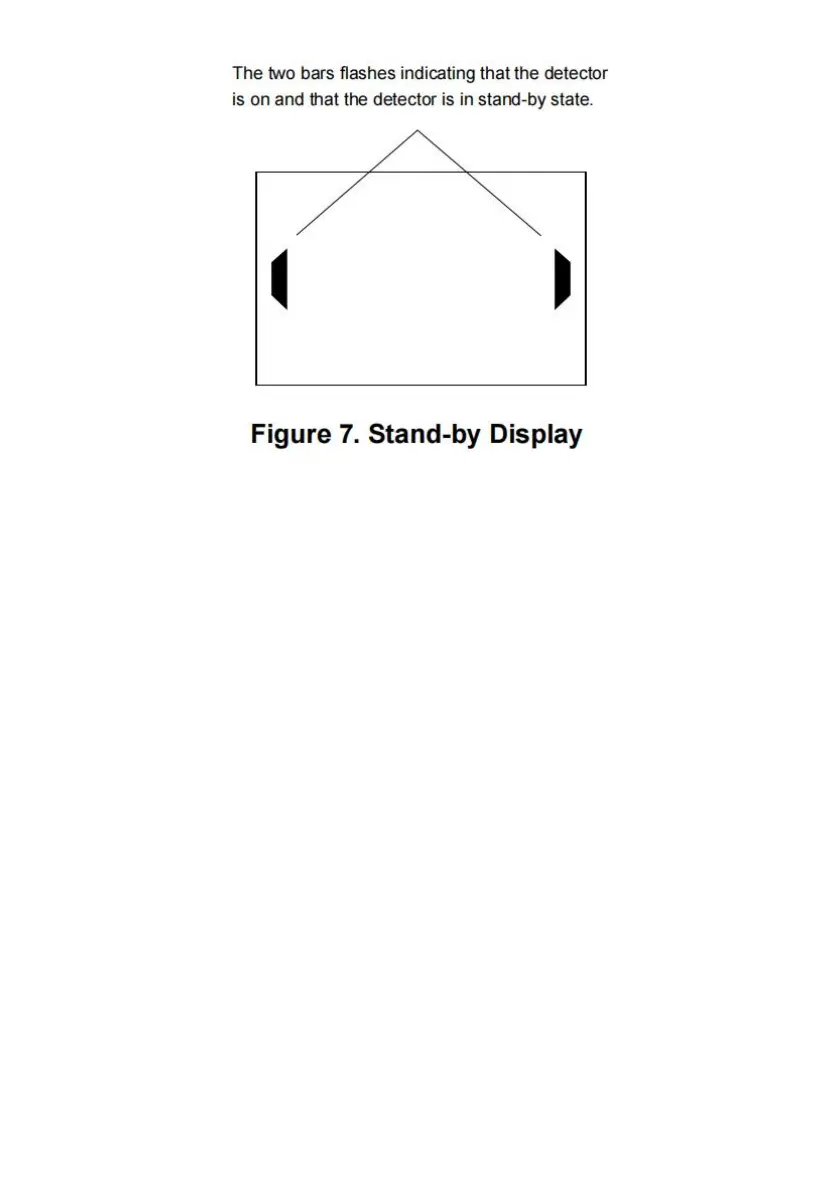
When the detector stops sounding, the monitor screen should show the stand-by
display quickly ( see Figure 7 ).
The ALL METALS mode allows the detector to achieve the maximum detection
depth possible.
Note:
During test, the metal sample which you are using must be in motion; otherwise
the detector will not respond to this metal sample.


 To Next Page