4,Pair To The Radio
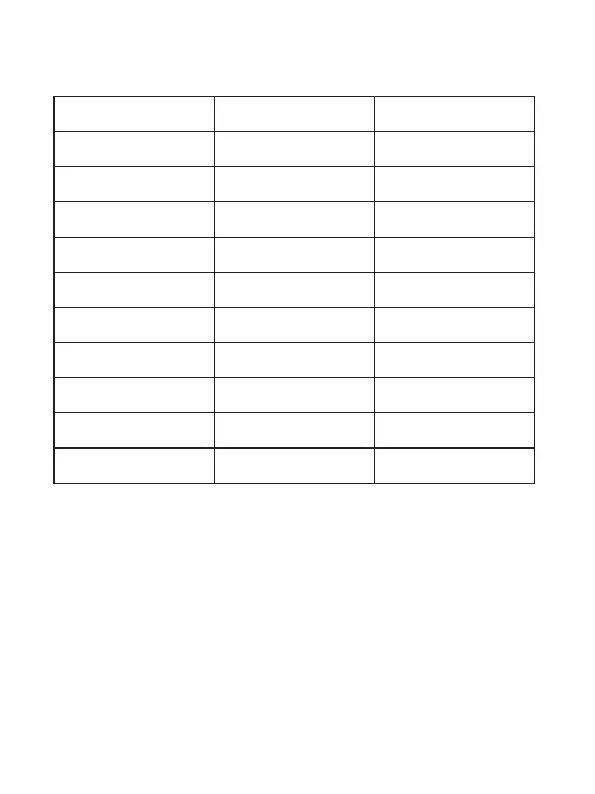
3,LED Status
Status
Red Green
Device not connected
flash slowly
Low voltage alarm
flash quickly
Enter pairing state
flash alternately
flash alternately
Aer successful pairing
double flash
double flash
disconnect to device
mute state
color gradient
Radio TX status
Radio RX status
Always on
Always on
Always on
Always on
Charging status
Fully charged state
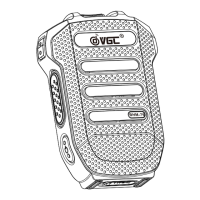
1,Long press the <p3> key to turn on the microphone,
then double click the <p3> key to enter pairing state.
the indicator light of the microphone flashes red and
blue alternately, and a beep sounds to indicate that it
has entered the pairing state
2,Turn on the radio,switch the menu to General Sengs-
Bluetooth Sengs on radios.Select Pairing to enter


 To Next Page