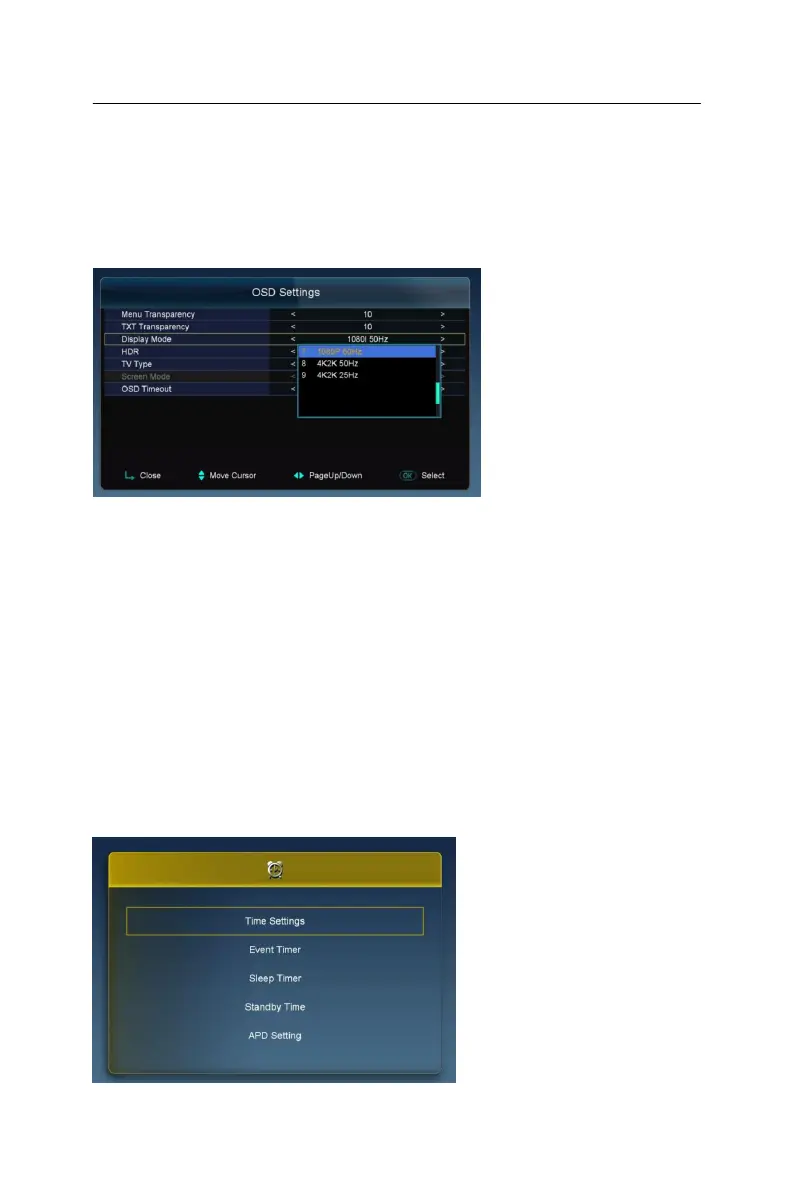
4K FUNCTION
- To set the 4K resolution enter in the Menu/Settings/OSD Setting/ “Display
Mode”.
Note: Before you set the 4K resolution, you must confirm that the TV and the
HDMI cable support the 4K resolution.
TIMES
Press the OK button to enter into the Times menu. In this menu, you can set Time
settings, Event Timer, Sleep Timer, Standby Time, and APD Setting.



 To Next Page