OneExpert DSL User's Guide
22052280, Rev. 016May 2020
Chapter 8 Ethernet Testing
201
Running a OneCheck Ethernet test
The OneCheck Ethernet test automatically performs a series of Ethernet measurements,
and compares results to user-defined threshold values and provides a pass, marginal, or fail
indication.
1. Connect your instrument to the line under test.
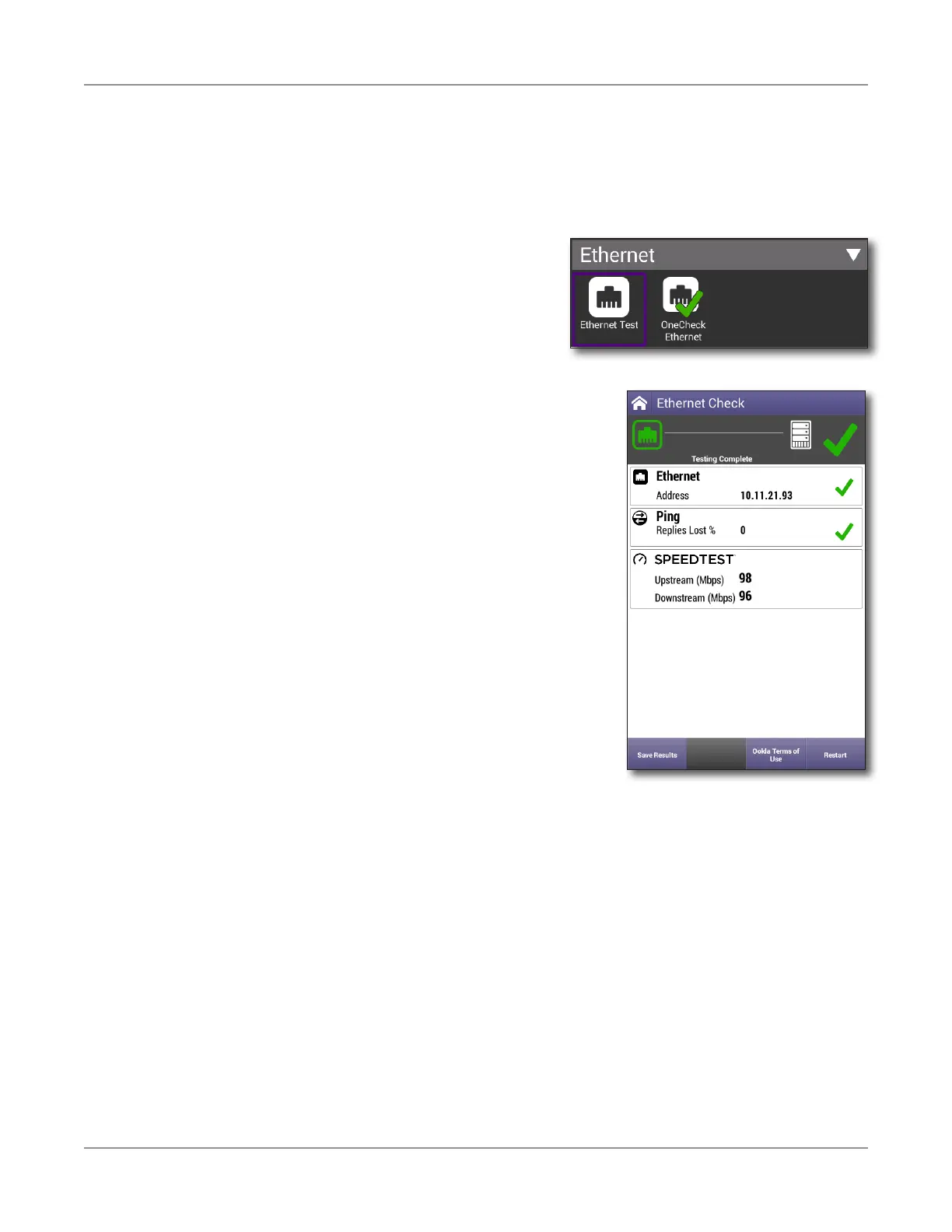
2. From the OneCheck Ethernet menu, select
Ethernet Check. You can either customize this
profile or use the default.
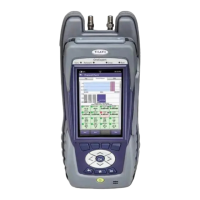
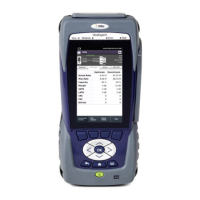
3. The Ethernet Check screen will open and start
testing. The test will run for the duration you
have configured for it, and then display the results with
pass or fail marks.
Note: To run the Ookla SpeedTest, you need to accept
the Terms of Use.
4. When finished, the test will show if it passed or failed.
5. To save the results, press the Save Results button. A
screen comes up where you can specify the format of
the saved file. Regardless of the format you chose, there
will be also a JSON file saved with the same name. It is
accessible on the unit and on StrataSync after syncing.





 To Next Page