OneExpert DSL User's Guide
22052280, Rev. 016May 2020 7
Contents
About this Guide 17
Purpose and scope .................................................................................................17
Assumptions .............................................................................................................17
Technical assistance ................................................................................................17
Safety and compliance information ................................................................. 18
Conventions ............................................................................................................ 18
Typographical conventions.......................................................................... 18
Keyboard and menu conventions .............................................................. 19
Symbol conventions ...................................................................................... 19
Safety definitions ...........................................................................................20
Chapter 1 Introduction 21
About the OneExpert DSL ..................................................................................22
Available mainframes ....................................................................................23
Available test modules ................................................................................23
Software options ..........................................................................................24
Additional resources .....................................................................................25
Features and capabilities ....................................................................................26
What ships with the OneExpert DSL? .............................................................28
Preparation for use ..............................................................................................28
Attaching or removing a test module ..............................................................29
Removing a test module .............................................................................29
Attaching a test module .............................................................................30
Chapter 2 Quick Tour 31
Exploring the front panel .................................................................................... 32
Status indicators .............................................................................................33
Touchscreen display .......................................................................................34
Softkeys ............................................................................................................34
Arrow buttons .................................................................................................34
OK button ........................................................................................................34
System buttons...............................................................................................34




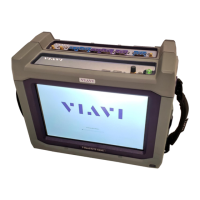
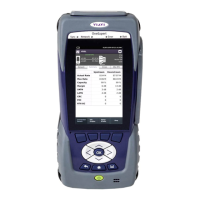
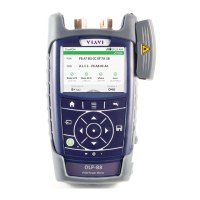
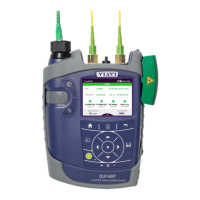

 To Next Page