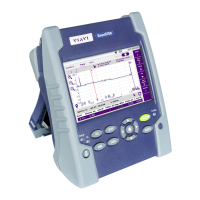
5000i mart
1
Connect the Microscope to the SmartOTDR USB port.
2
On the Home page, select the Micro-
scope icon
3
Use the Focus control button of the
Microscope to adjust the focus
4
Press
SETUP
and confi gure the test of the connector.
Confi gure fi le storage
Display information
about the micro-
scope & current test
result displayed
5
Press
RESULTS
to return to Results page, and press (or press on the
Quick Capture button on the probe), to launch the test of the connector.
A summary of test results is displayed.
Zones: A - Core / B - Cladding / C - Epoxy / D - Ferrule.








 To Next Page