10
11
12
13
27
www.viavito.com
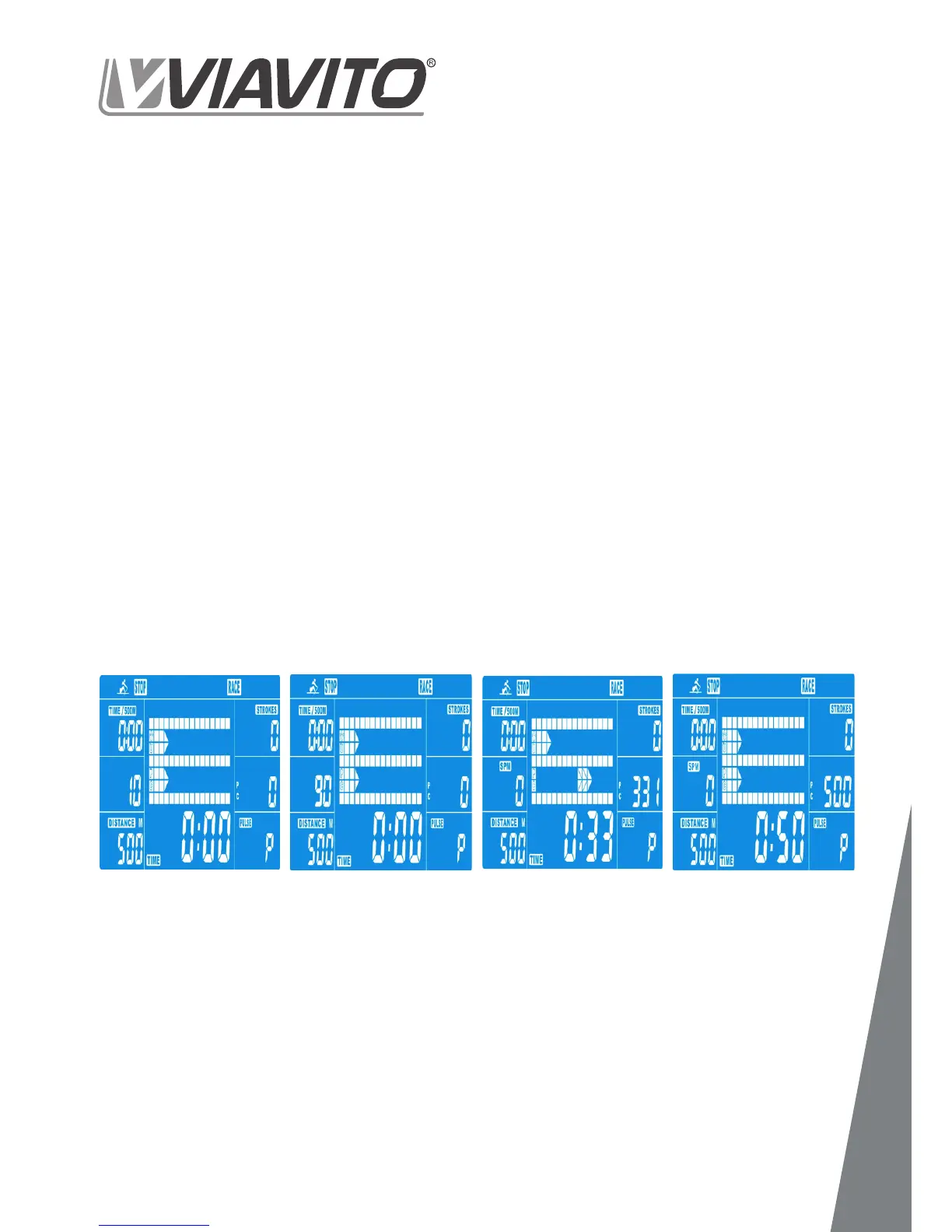
In this program, you can enjoy racing against
the computer.
- Press UP & DOWN to select RACE mode
- Press UP & DOWN to set SPM (strokes per
(default=10±5).
- Press UP and DOWN to select the desired
MDOE (default=500±100) (Drawing 11).
- Press START/STOP to start the race.
The console will display USER & PC
workout status. The PC column shows
the computer’s rowing distance. The
USER column shows your rowing distance
(Drawing 12).
- Press UP and DOWN to adjust the
resistance level.
The system alarm will sound 4 beeps. Press
any button to stop it.
- Press START/STOP to end the session.
All workout data will remain.
- Press RESET to return to the workout
selection menu.
4. Race


 To Next Page